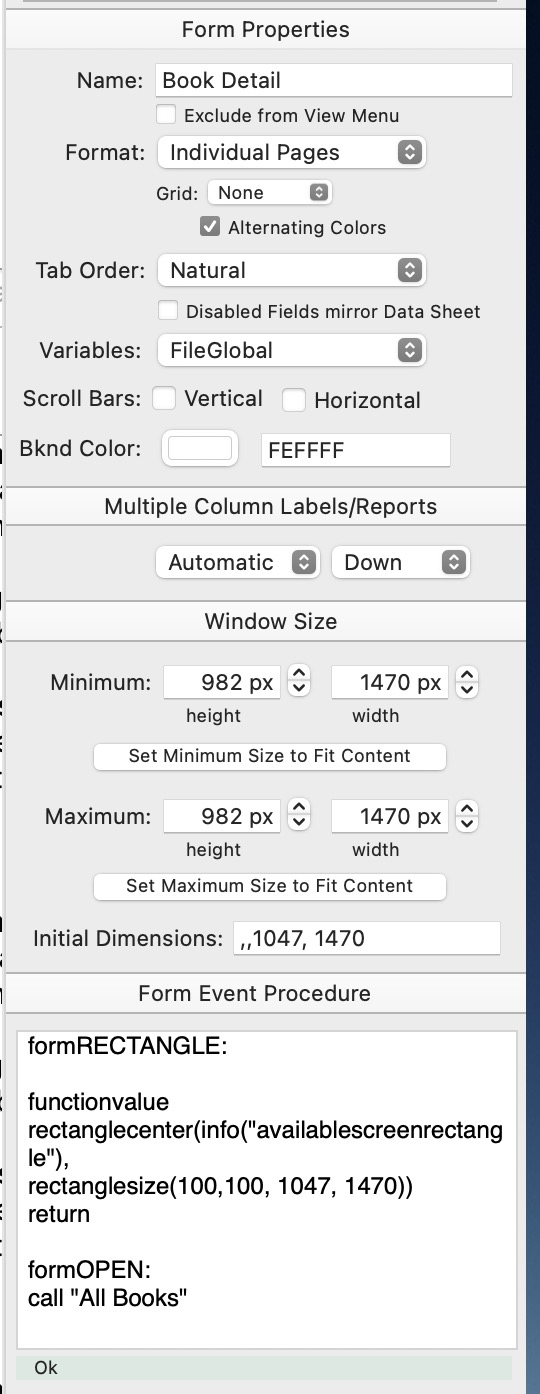
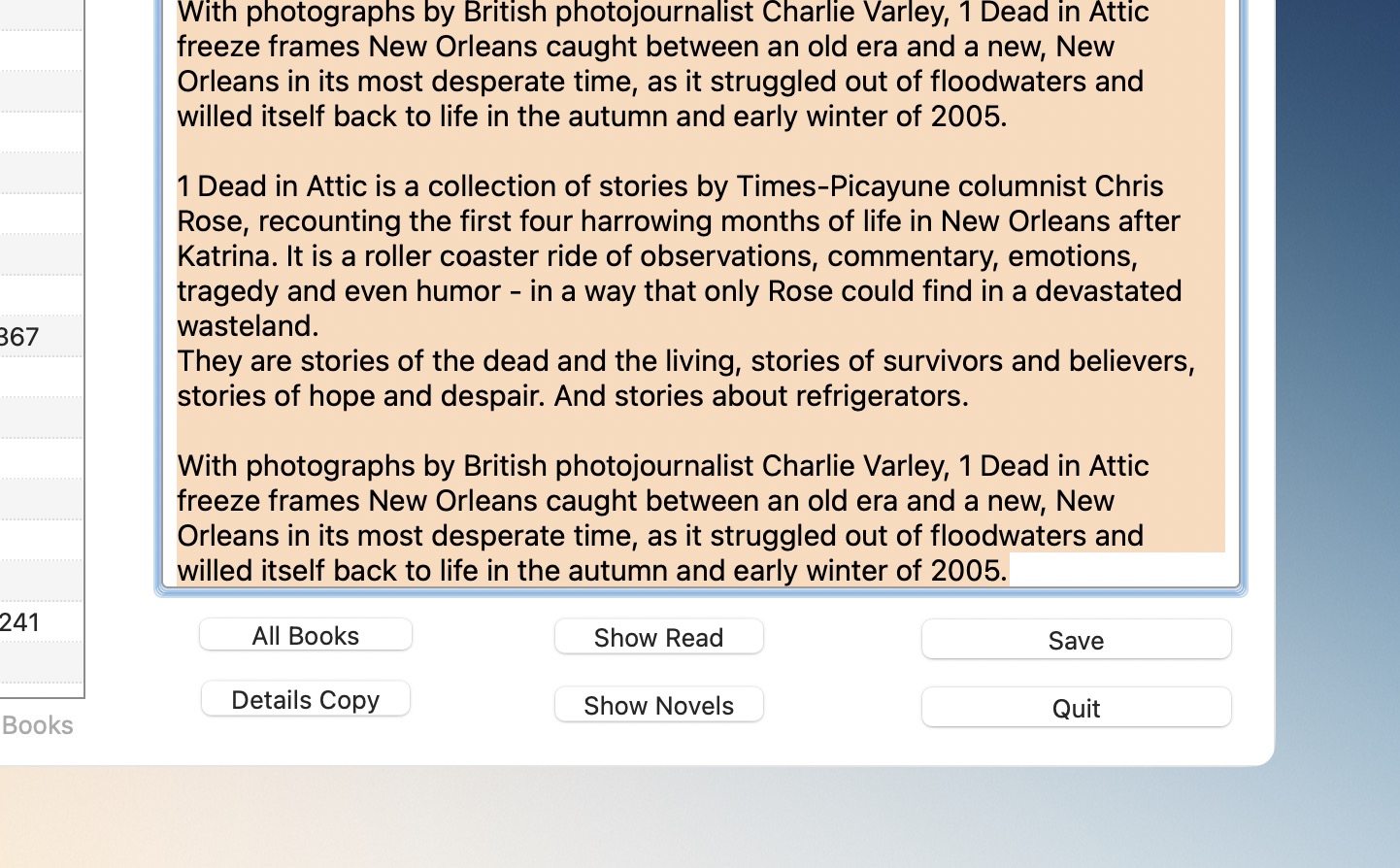
Once the mouse pointer is past the bottom of the list or to the RH side of the help window (not just the topics text list), once it can no longer scroll the list itself it scrolls the whole form out of the current viewport.
Ok, I can duplicate this with the Help window, but only if I actually drag the mouse outside of the entire window. It doesn’t do it unless the mouse actually goes outside of the window. Also, if I don’t release the mouse, I can drag back up and it will scroll back into view again. However, if I let everything scroll offscreen and release the mouse, the only way to fix it is to close and reopen the window. (Ok, reviewing the original post from @neonate, he did say that he had to drag outside the window.)
I can see one reason why I’ve never seen this problem - I never scroll a list or matrix this way, in Panorama or any other program. I either grab the scroll bar and drag it, or I use the scroll wheel on the mouse (actually a gesture on my Magic Mouse, or on a trackpad).
I have not encountered in any other MacOS application.
You probably don’t have any other application that allows a window to switch between scrollable/nonscrollable on the fly, in Panorama’s case simply by clicking a checkbox. Apple really didn’t design their window system for this possibility. In pretty much any other application, a window either has scroll bars or it doesn’t, but you can’t choose on the fly.
Having scroll bars is not what makes a window scrollable. To make a window scrollable, you must add another component called an NSScrollView, then all of the other components are placed inside this view. Other apps that don’t have scroll bars also don’t have an NSScrollView. But Panorama windows always have an NSScrollView, even if there is no scroll bar. This is because at any moment you might click the checkbox and add a scroll bar, or you can even enable the scroll bar programmatically at any time.
Theoretically Panorama could rebuild the entire structure of the window when you enable/disable scroll bars. It would have to completely destroy all of the window contents, and then rebuild from scratch either with or without the NSScrollView. Back in 2012 or 13 when I was implementing form window I considered doing this, and decided it would be too complex. In addition to the complicated logic of switching back and forth (which would also always have to happen when switching into Graphics Mode, which always has scroll bars), every bit of form logic would have to have adjustments to account for whether an NSScrollView was present. Super high chance of additional new bugs with those adjustments, which would probably need to happen in dozens of places in the code, or maybe even hundreds of places. So I decided to simply always have an NSScrollView, whether or not scroll bars are visible. The downside is the edge case you have identified, but in my opinion this is worth it.