version 10.2.3
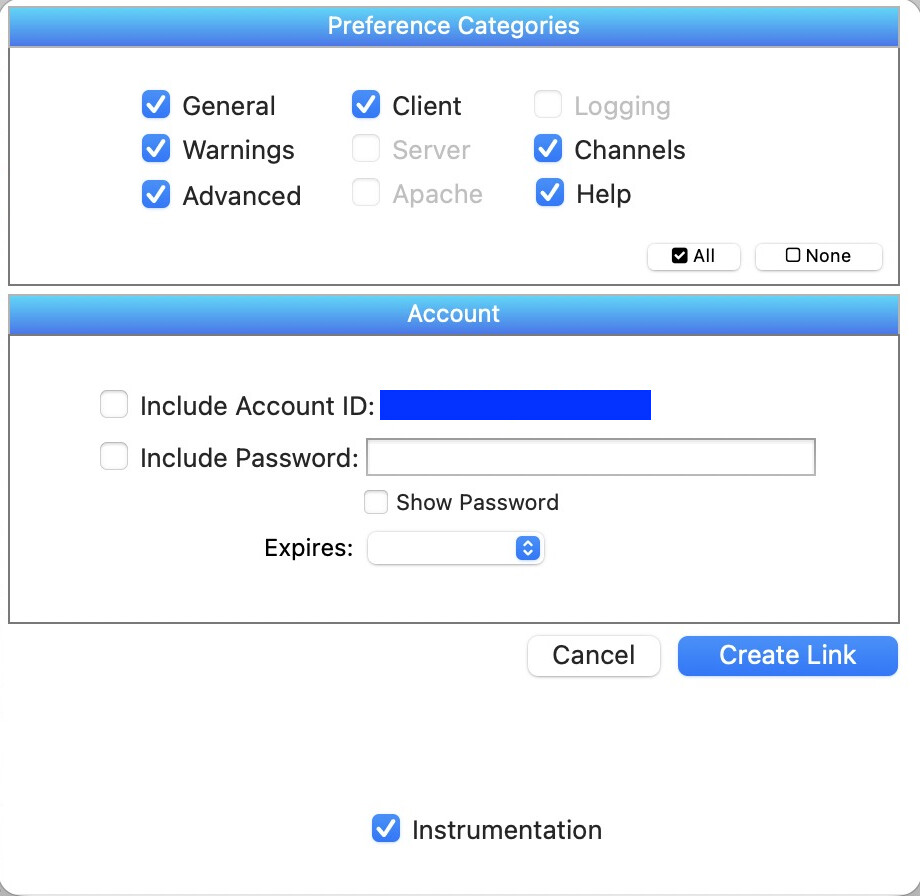
Well the real question is why is this dialog resizable? It shouldn’t be, but it is.
The Preference window has 10 different tab panels, nine of which are listed at the top of this dialog. Originally, the 10th panel, Instrumentation, was also included. But I decided that it didn’t make sense to be able to share Instrumentation settings through this dialog (there is another sharing method specifically for Instrumentation preferences). So I probably should have deleted that checkbox, but instead I just moved it down below where it wasn’t visible. Except that if you resize the dialog, it becomes visible. I’ve made a note to modify this dialog so that it won’t be resizable in future versions. In the meantime, please don’t resize it. … Never mind the note, I’ve gone ahead and made this change.