Under macOS 26.1 I am noticing a graphical glitch with the tool bar. As you can see in my screenshot, not only the icons in the toolbar are affected, but also all the icons in the “Customize Toolbar” dialog. Only the lower part of each icon is shown.
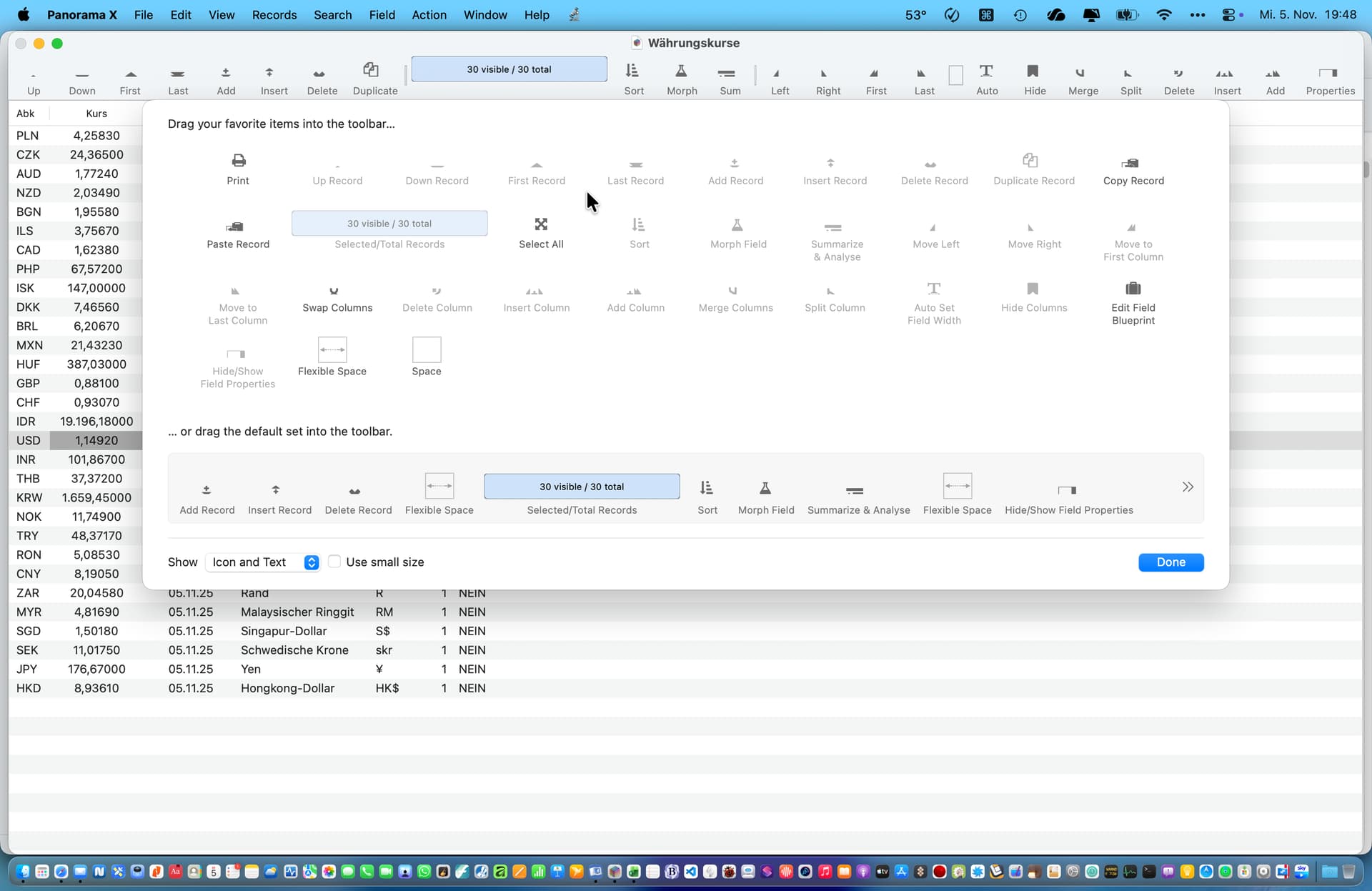
Are you saying you didn’t notice this in earlier versions of Tahoe? I did get a couple of reports of this the first week Tahoe was released. I was kind of hoping 26.1 might have fixed it.
Note that this exact same problem happened in OS X 10.15. I wound up “fudging” the positions to get them back into place. I need to research further, but I’m kind of suspecting that Apple finally fixed the bug they introduced in 10.15, so now I need to remove the fudges I put in several years ago. (Of course I will need to leave them in for OS X 10.15 thru macOS 15. Thanks Apple!)
Yes, I noticed it just today. But maybe I did miss it under macOS 26.0 and 26.0.1 …
“Let no good deed go unpunished…”