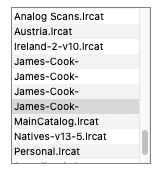
Is there any way to eliminate truncation of the lines in a Text List? Listed items frequently are cut off with lots of room left on the line, although that space is inadequate for the next word in its entirety. If several of the lines begin with the same thing, that missing text may be enough of a clue as to which is which.
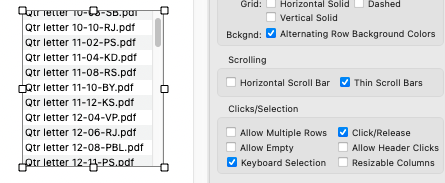
Turning on Horizontal scrolling is not a solution. In fact, it exacerbates the problem by truncating items that do fit and doesn’t provide a horizontal scroll bar.
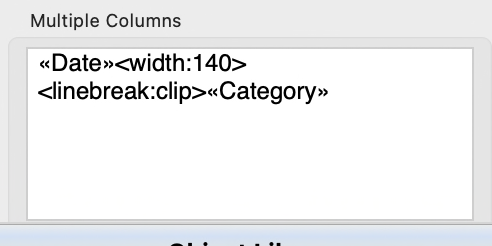
This worked for the second column in my two column Text List but the tag should also be able to be used in the formula of a single column list as well (although I haven’t tested that).
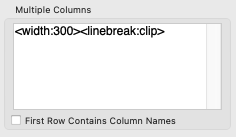
Brilliant, Gary. It worked. Limited to displaying a single-column array, it never occurred to me to pursue it there. It requires both width and linebreak tags, neither does it alone. And, as a bonus, it caused the horizontal scroll bar to appear.
Since Gary’s solution has worked for three of you, I should probably just leave well enough alone and walk away. And you should probably ignore the rest of my post.
I’m am completely puzzled by this thread.
First of all, I can’t duplicate the original problem. Maybe that’s because I’m using text with words separated by spaces, and it appears that your text has words separated by dashes? Or maybe because your text ends with file extensions (.pdf, .txt, etc). The truncation algorithm is Apple’s - it’s the same algorithm used by the Finder and in many other places. Here’s a basic text list I set up - I did nothing special and to me the truncation looks perfectly fine.
Since I couldn’t duplicate the problem, I couldn’t duplicate Gary’s fix. But I did look at the code in Panorama that handles the Multiple Columns option of a Text List object. The only legal tags are width and align. linebreak is not a tag that this code recognizes - as far as I can see, this tag should simply be ignored. I guess there is something extra going on that I am not understanding, but I am stumped.
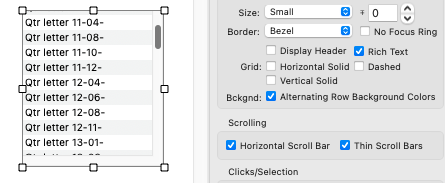
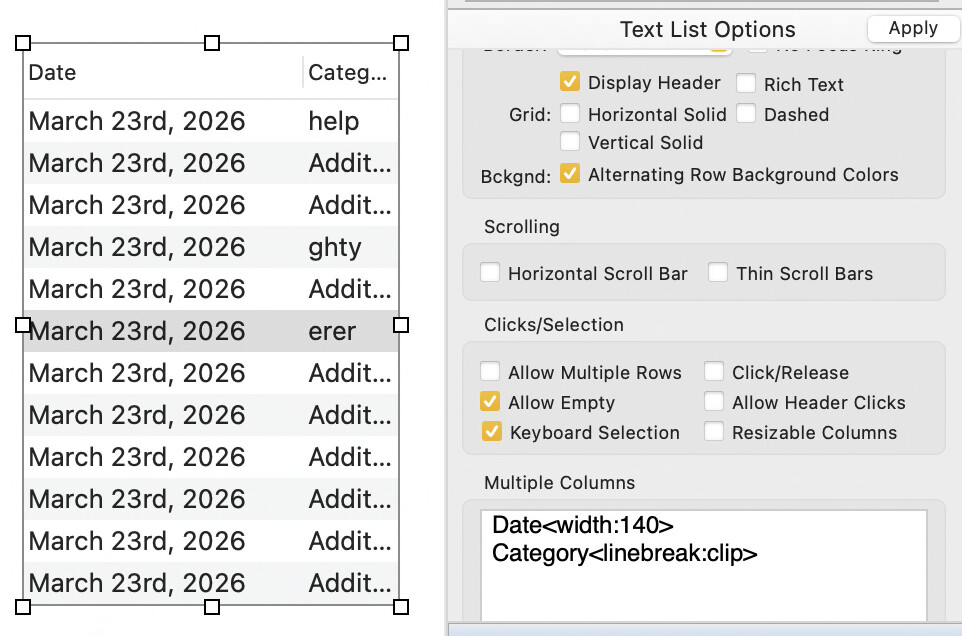
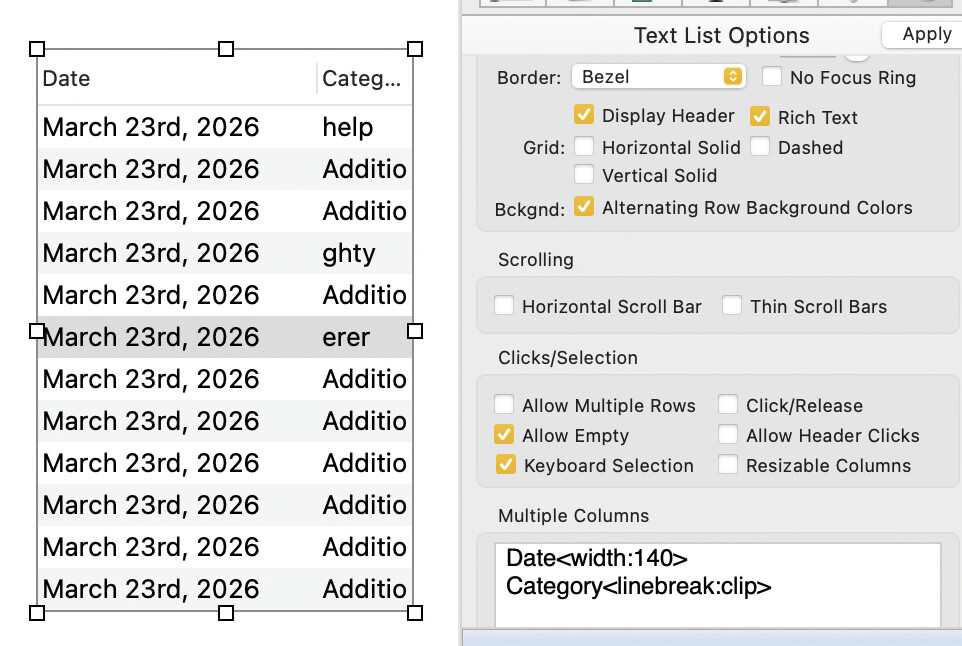
Well yes, now that you mention it, definitely Rich Text disables the truncation behavior. Internally, Rich Text uses an Apple feature called Attributed String, and truncation doesn’t work with attributed strings, only plain strings.
So maybe simply turning on Rich Text was the solution, and the linebreak tag is simply being ignored?
On the other hand, Gary, in your top screen shot I think the truncation is just fine, no reason to disable that as far as I can see.
Mine is a single-column list built by a formula using ListFiles and an arrayfilter. There is no column name so I had no reason to turn to Multiple Columns. As I noted, Gary’s solution worked but it did require both tags and a width greater than the TextList object