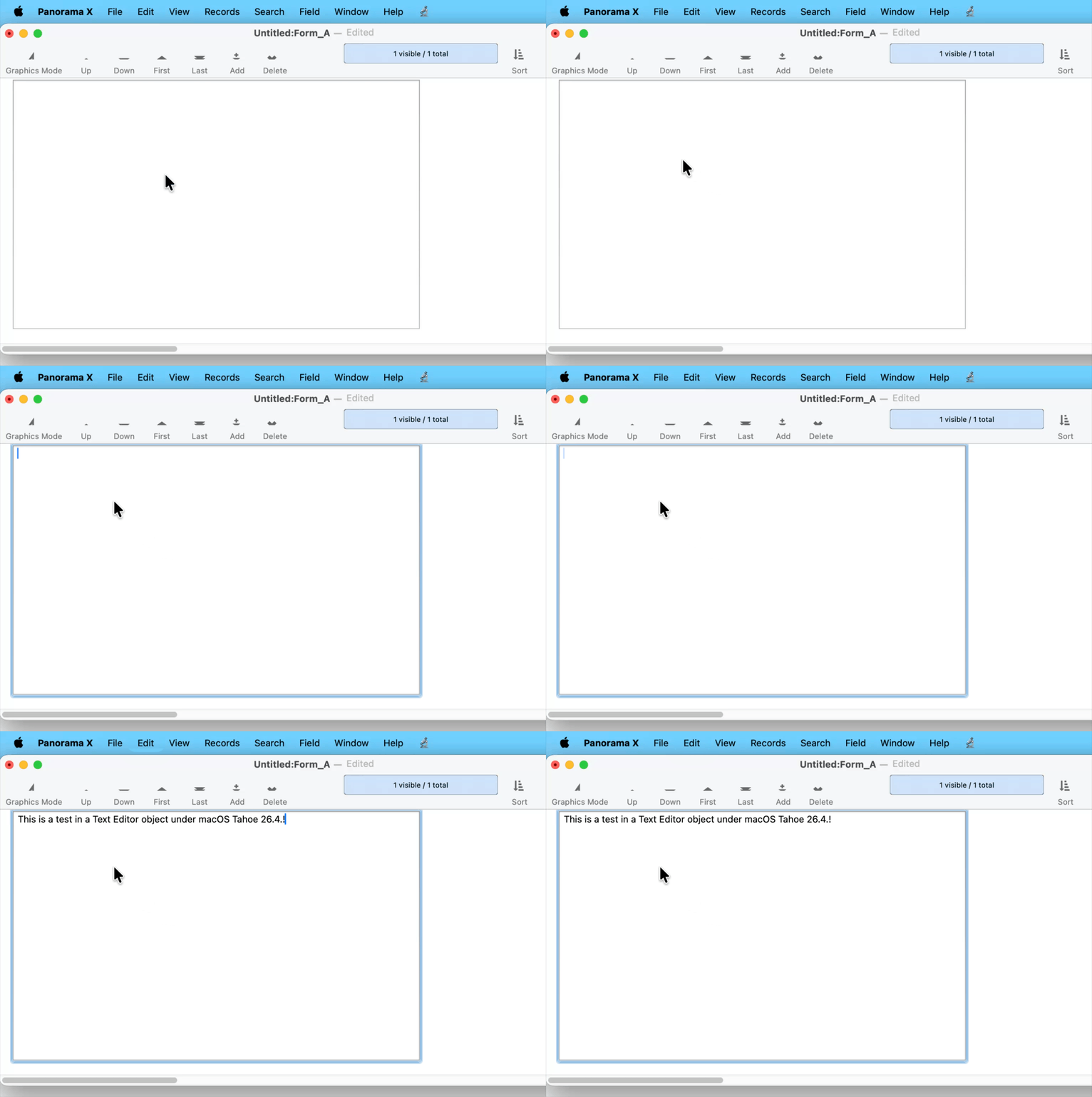
I am having several issues with Tahoe but the most significant is that I am unable to edit the data in a field using the Text Editor object. Clicking on the object does not create any editing capability, it is just not responding at all.
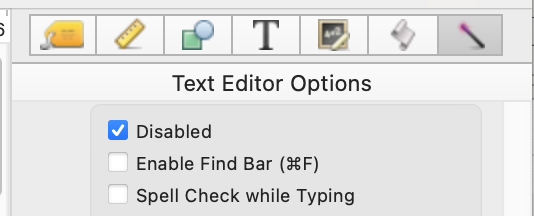
It is acting as if the Editing Option was disabled.
Ideas?
As a data point for those that might care, when using Migration Assistant to move from an old computer to a new computer, the Migration Assistant did not like the transferred Panorama and said that it was corrupted. I downloaded a new Panorama, 10.2.2, and am using Tahoe 26.3.1 w M5 Pro.
(GetText does not automatically place the cursor in the GetText box. Apparently, a Tahoe issue.)
I kept quiet on this topic to make sure that no one else chimed in. Text Editor objects work fine on Tahoe, no problem at all. It works find in all of my tests, and no one other than Robert has reported a problem. @RAmeeti, whatever problem you are encountering, it is not related to Tahoe. Text Editor objects do have a Disabled option - perhaps you checked that without realizing it? That would produce the exact symptoms you describe.
I tried to indicate that the Disabled was not checked. The field is editable in the Datasheet. At the end of the gif (movie), I am attempting to edit the cell. I also deleted the object and replaced it with another TEO but same result.
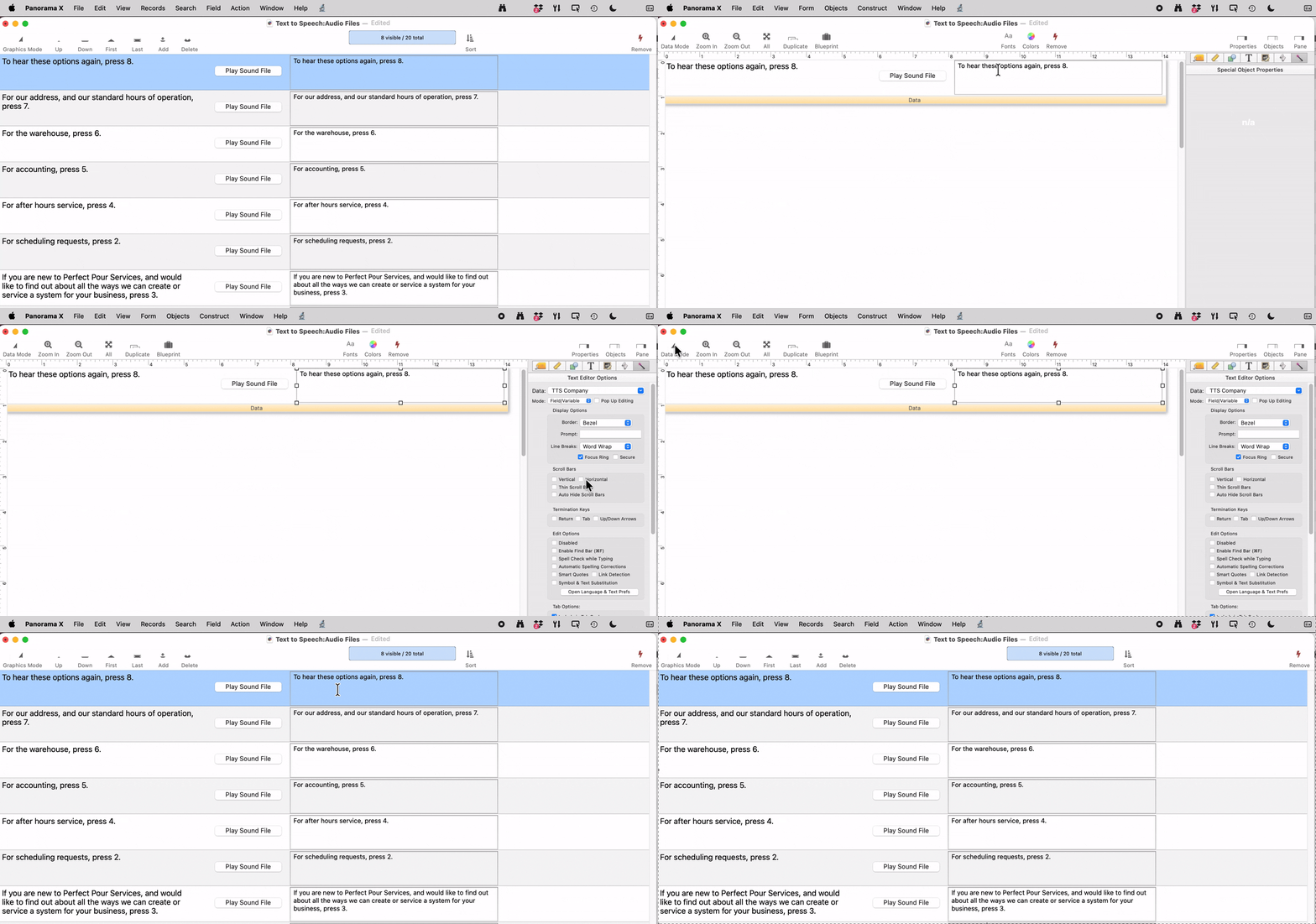
I must have functioning View as List forms to run my business. My last pesticide application took 104 records to document. What I had to do is add a button to the data tile that called a procedure to get the click position and open a single record form over the View as List to edit the record. The return key can be used to close the window. I had tried to use the OpenDialog to make it look like the old floating edit but couldn’t get it to work in the amount of time I had.
Without more specifics of exactly what you’re attempting to do, a worthwhile consideration is a form with the fields you want to edit, and a List Object in the form to show some or all of the data for the selected records. It can be set so that as you click on a line in the List Object, the data for that record are editable in the adjacent cells.
To be clear, you can’t use ViewAsList for data entry into fields but you can display the field content and have buttons on the form that open a window/form that allows editing of an individual record, or more, depending upon your variables and processes. Is that correct?