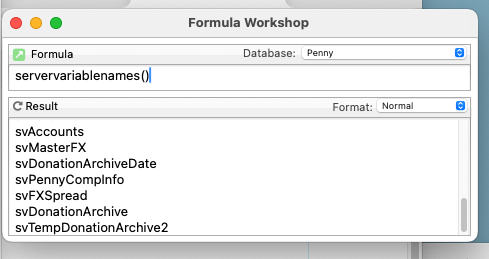
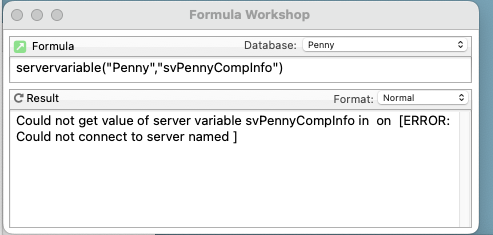
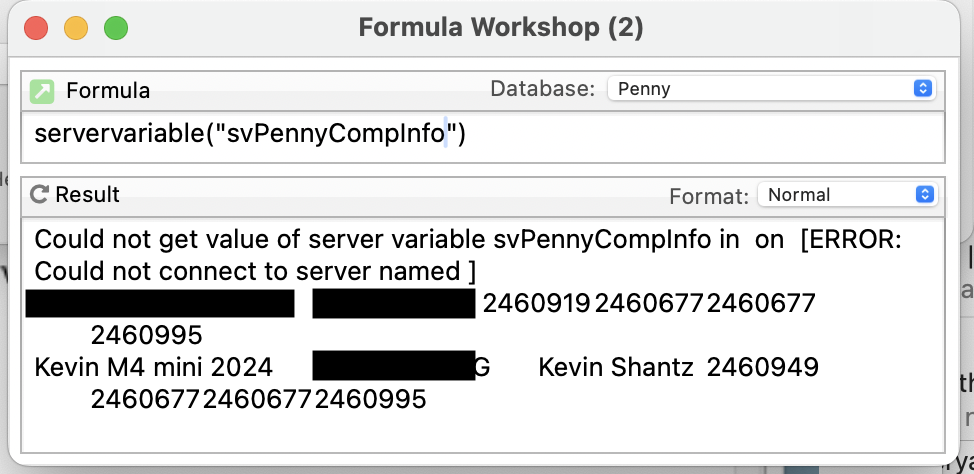
What seems strange to me is that Panorama actually recorded the error message to the variable and in so doing deleted the data that was there, rather than simply failing.
Yesterday when I was working on the code for this function I noticed another problem with the function and fixed it. I didn’t mention this second fix because it was kind of a technical explanation and my post was already long. But it turns out this second problem was relevant to your problem.
The second problem was that for certain types of errors, the function was returning text with the error message, instead of an ERROR value. This means that the program would not stop, and you could not trap these errors with IF ERROR or TRY/CATCH or CATCHERROR(.
I think you’re code probably looks something like this:
let temp = servervariable("svPennyCompInfo")
letservervariable svPennyCompInfo = newInfo + sandwich(cr(),temp,"")
Now normally, if there was a problem with the servervariable( function, the code would stop right there. But because of the bug I found, it would instead add the error message into the server variable.
For now, I would suggest modifying the code like this:
let temp = servervariable("svPennyCompInfo")
if temp contains "[ERROR:"
    message temp // display the error message
    return
endif
letservervariable svPennyCompInfo = newInfo + sandwich(cr(),temp,"")
Or, for more completeness, you should also use if error. The current servervariable( function does return proper errors in some cases, for example if you request a variable that doesn’t exist.
let temp = servervariable("svPennyCompInfo")
if error
    message info("error")
    return
endif
if temp contains "[ERROR:"
    message temp // display the error message
    return
endif
letservervariable svPennyCompInfo = newInfo + sandwich(cr(),temp,"")
Once the next version of Panorama X comes out, you’ll be able to remove the second IF statement.
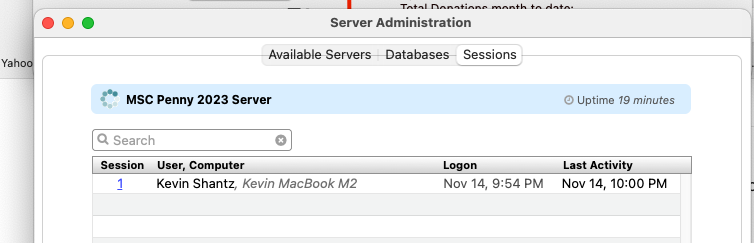
We were having issues with our server at different points yesterday and apparently the procedure that updates that servervariable at some point failed because the server connection had been broken.
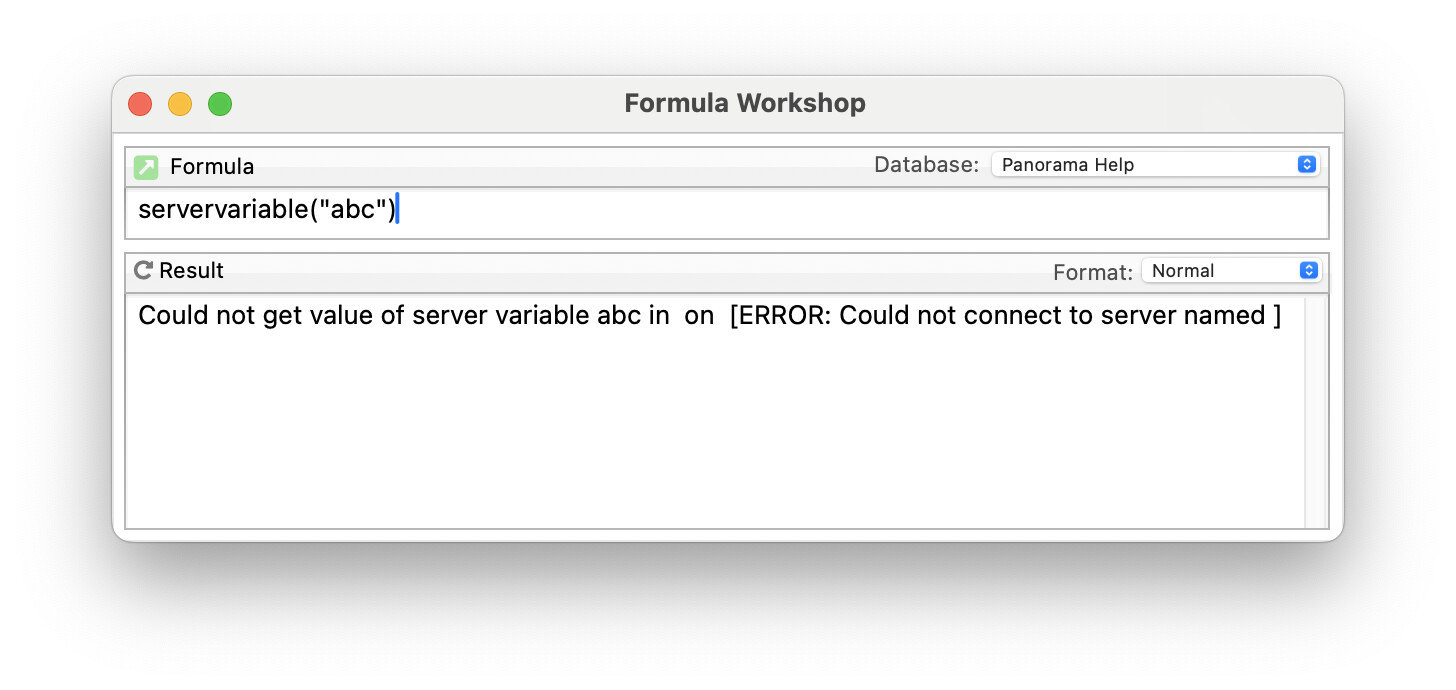
Undoubtably we are getting closer to the mystery here. But your theory that the server connection had been broken doesn’t match the error message that had been returned. The way that error message is written, the connection wasn’t actually broken. That exact error message would not be produced by a broken server connection - it can ONLY be used by trying to use the servervariable( function on a single user database. For example, I was immediately able to duplicate the problem like this:
In this case the error occurs because the specified database, Panorama Help, is a single user database.
If the error was caused by an actual broken connection, the error message would be different - it would include the database name and the server name.
I need to make a general point about updating a server variable this way. This technique is not “atomic”, so if two users happened to run this code at the exact same time, one of them will be the “loser” and their change will be lost.
Panorama provides the adjustservervariable statement (and function) to solve this problem. This changes the variable value on the server instead of on the client, guaranteeing that the operation is “atomic”, so that even if two or more users request this action at the same time, the server will correctly process the requests one after the other, so that no change is lost.
adjustservervariable "svPennyCompInfo",cr()+newInfo
In this case there is another advantage - if there is an error, the whole thing will fail, not a partial failure like you have experienced. So I would definitely recommend you switch to this technique.
For a detailed discussion of this statement and of atomic transactions, see this help page: