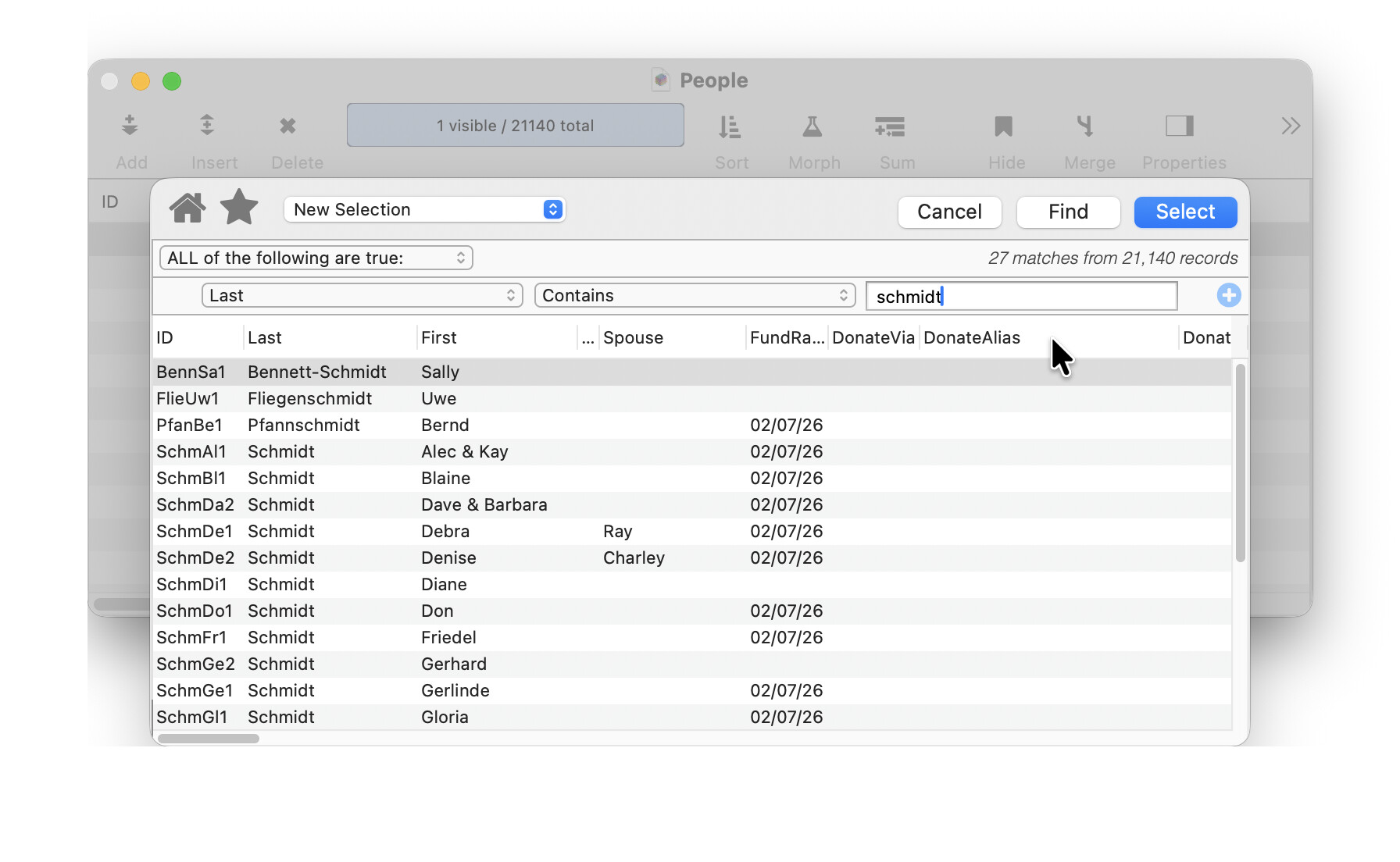
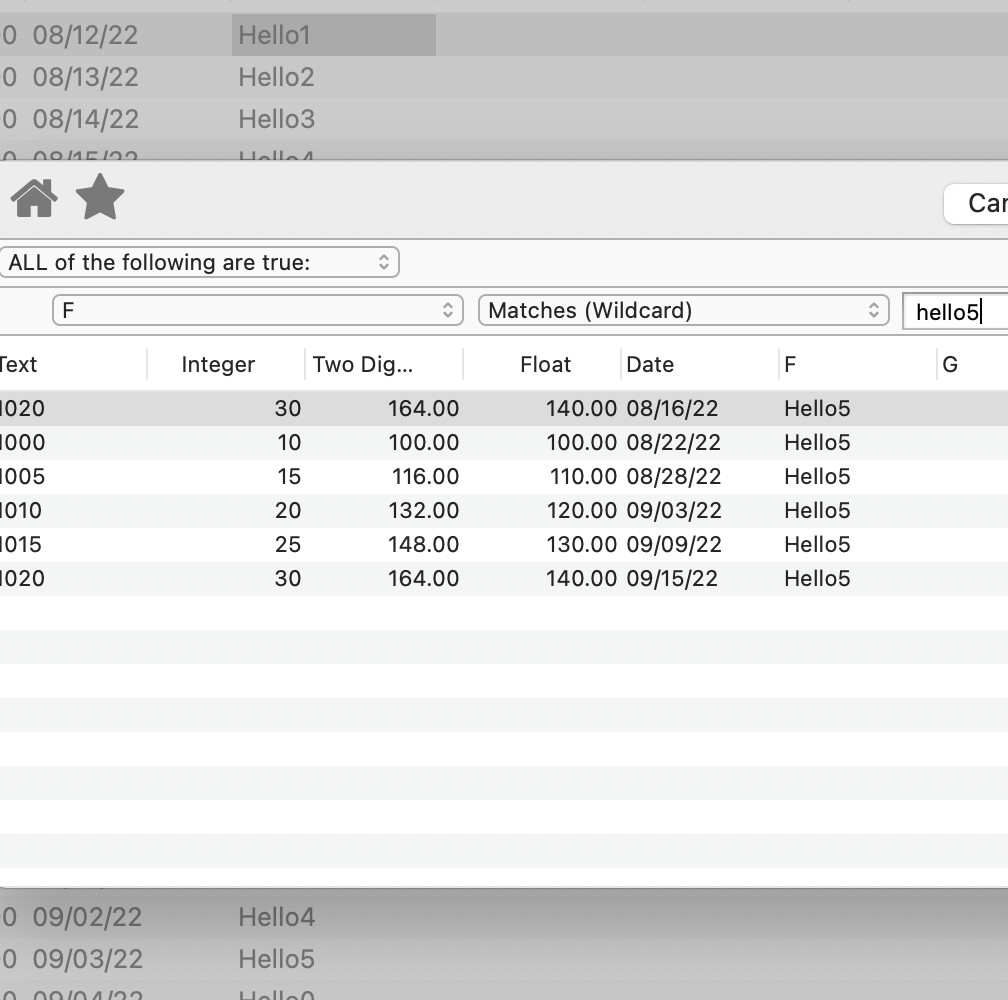
When searching in a field, my gut is telling me that the case of the search text should not matter in the results but this is not happening.
ie.
When I open the Search it starts with Contains as the operator and the case of the searched value does not matter. If I change the operator to Equals, the case of the searched value does matter.
RAmeeti, I’m sure this will be one of those, “…tastes great; less filling…” issues. For me, “Equal” is more sacred. Schmidt does not equal (i.e. is exactly the same as) schmidt.
And because PanoramaX gives you many options for adjustment, it doesn’t need to. For example, you could use an Upper or Lower function in a compare formula to match any miscreant data content.
I think the difference, with respect to case matching, between contains and equals has been around for a long time. In fact, if equals weren’t case sensitive, what would you use if that were an important distinction?
my gut is telling me that the case of the search text should not matter
Ok, but I’ll go on the documentation vs. your gut.
This behavior goes back to at least Panorama 1.0 in 1988 - probably OverVUE as well but I can’t remember for sure. I think this is the way it should work (see Paul’s comments), but even if I didn’t, changing it after more than 30 years would just confuse many users that are used to the way it has worked for a long long time.
For me, “Equal” is more sacred. Schmidt does not equal (i.e. is exactly the same as) schmidt.
In fact, if equals weren’t case sensitive, what would you use if that were an important distinction?
Very important point.
The Match operator will give you what you want.
Note that it’s not just Is Equal To that is case sensitive, but all of the straight comparisons - not equals, greater than, less than, is between, etc. I suppose options could be added for case insensitive versions of these (as was done for wildcard matches and regular expressions), but this menu already has 29 items. At some point editorial control has to be established, especially since any combination is possible by writing a formula.