My client is experiencing something similar to the issue, below.
Two of the computers have all the data. The other computers are missing about 43 records that were added.
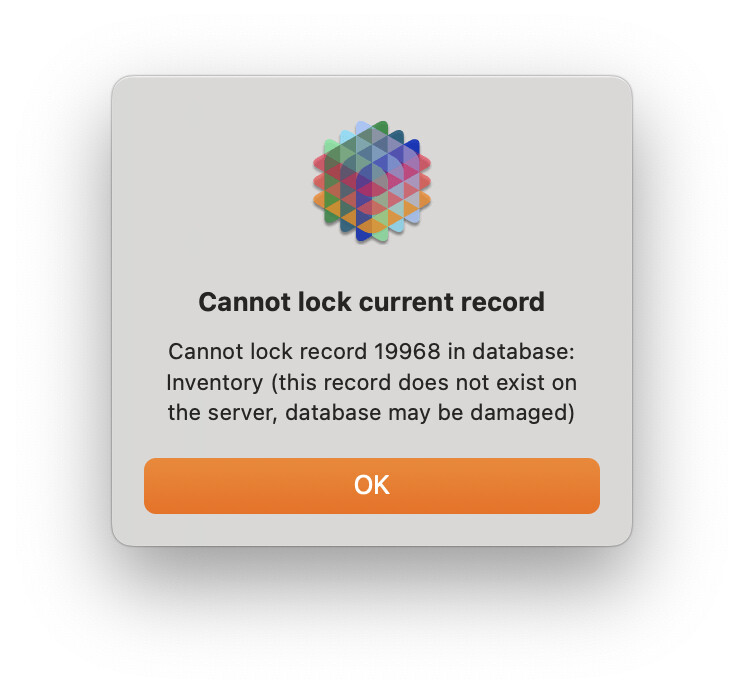
I copied one of the databases with the extra records from the user’s computer, and when I try to update any of those, a dialog appears indicating the record does not exist on the server. (See screenshot, below)
Is there a way to tell panorama to go ahead an add them to the server?
The forum post you quoted is literally from five years ago, and was discussing the first public release of a Panorama 10.2 beta, which was also the first public release of a Panorama X Server beta (Tom had been using private betas for nearly a year before that). There have been 33 releases since then.
It took a couple of months, but the problem that Tom was encountering was tracked down and fixed. So whatever you are encountering, it is not related to that five year old problem.
when I try to update any of those, a dialog appears indicating the record does not exist on the server.
Are you saying you can work with these records on one computer, but if you copy the database to another computer the records can’t be accessed?? That makes no sense.
a dialog appears indicating the record does not exist on the server.
This tells me that the record DOES have a server record ID, which means that it HAS been added to the server. The only way that I can imagine to reproduce the results you are describing would be to
Add records to the server
On a different computer, delete the records
Don’t synchronize the first computer.
Until you synchronize, attempting to update a deleted record would produce the Cannot lock alert you are seeing. Once you synchronize, these records should be deleted from the client.
If you have a copy of the database on one of the clients that you think is correct, I think the best solution would be to switch that to single user without synchronizing, then re-upload that to the server. Discard all other copies of the database on clients and re-download the freshly uploaded copy. That way you’ll be sure everyone is on the same page.
I first looked to see if anyone else had encountered something similar … that’s the only reason I brought up the other conversation: it looked similar to me.