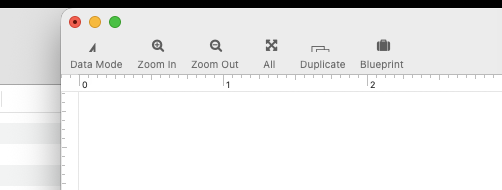
Is there any straightforward way to procedurally zoom a form window in the same way that one might do in Graphicsmode? In other words I just want to scale up the whole form visually without actually changing any objects.
tx
Is there any straightforward way to procedurally zoom a form window in the same way that one might do in Graphicsmode? In other words I just want to scale up the whole form visually without actually changing any objects.
tx
There’s the magnification statement to set the zoom factor (followed, I would suggest, by formxy 0,0) and info("magnification") to read the current setting.
I only noticed this the other day when looking for something else entirely.
That’s the ticket! Thank you.
If anyone cares, I made a push button and called it: char:0xf22c:FontAwesome
Then, I pasted this into the button’s procedure panel:
if info(“magnification”)=1.0
magnification 2.0
else
magnification 1.0endif
formxy -1000,-1000
This toggles the view between normal size (too small, on a 5k monitor) and 200%, which is just perfect.
enjoy
Keep in mind that the zoom in Panorama is not perfect. For example, the text size in controls (buttons, etc.) does not adjust with the zoom level, it always stays at 100%.
I beg to differ- the text on my form scales perfectly:
iCloud Photos - Apple iCloud
The size jumps are me hitting the above-mentioned button
csw
I can’t really tell anything from your video. But I tried it myself, and WOW, you’re right. It works! That is definitely a change that Apple has made, it did not used to work. I have no idea when that change was made, I probably haven’t tried it in close to a decade because I “knew” it didn’t work. Very nice!