PanoX Server: Web request to call procedure

I have not played with the “web” side of Panorama X

Is it possible to send Panorama X Server a web request that runs a Panorama procedure which returns the result of that procedure?

Could I send something like:

mypanoramaserver.com/cgi-bin/panoramax.cgi?myPanoProcedure&someArguments

and have the procedure return some data.

(I’m modeling the URL above after Panorama X’s serverstatus request)

Thanks,

– Mark

P.S. My apologies if this is documented somewhere. I did look at the Panorama Classic docs – but, if it’s there, I obviously missed it! :slightly_frowning_face: :wink: )

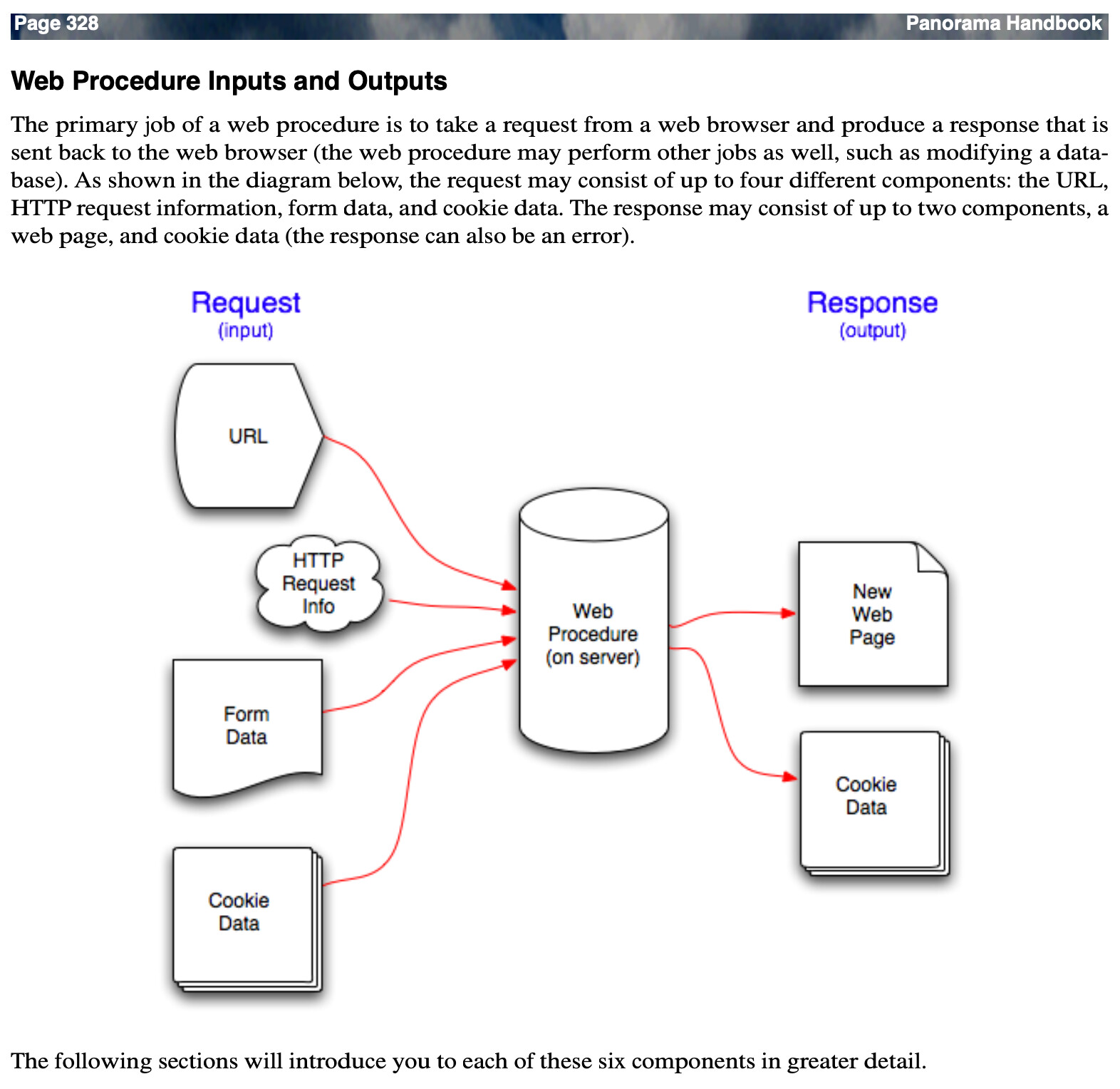
Panorama is extremely capable of what you’re describing. A place for you to start is in the Panorama X Help: Using an External Web Server

There are also numerous threads on this forum worthy of your attention.

This one may be helpful:

1 Like

James,

Thanks! You’re a wealth of information … :slight_smile:

Is it possible to send Panorama X Server a web request that runs a Panorama procedure which returns the result of that procedure?

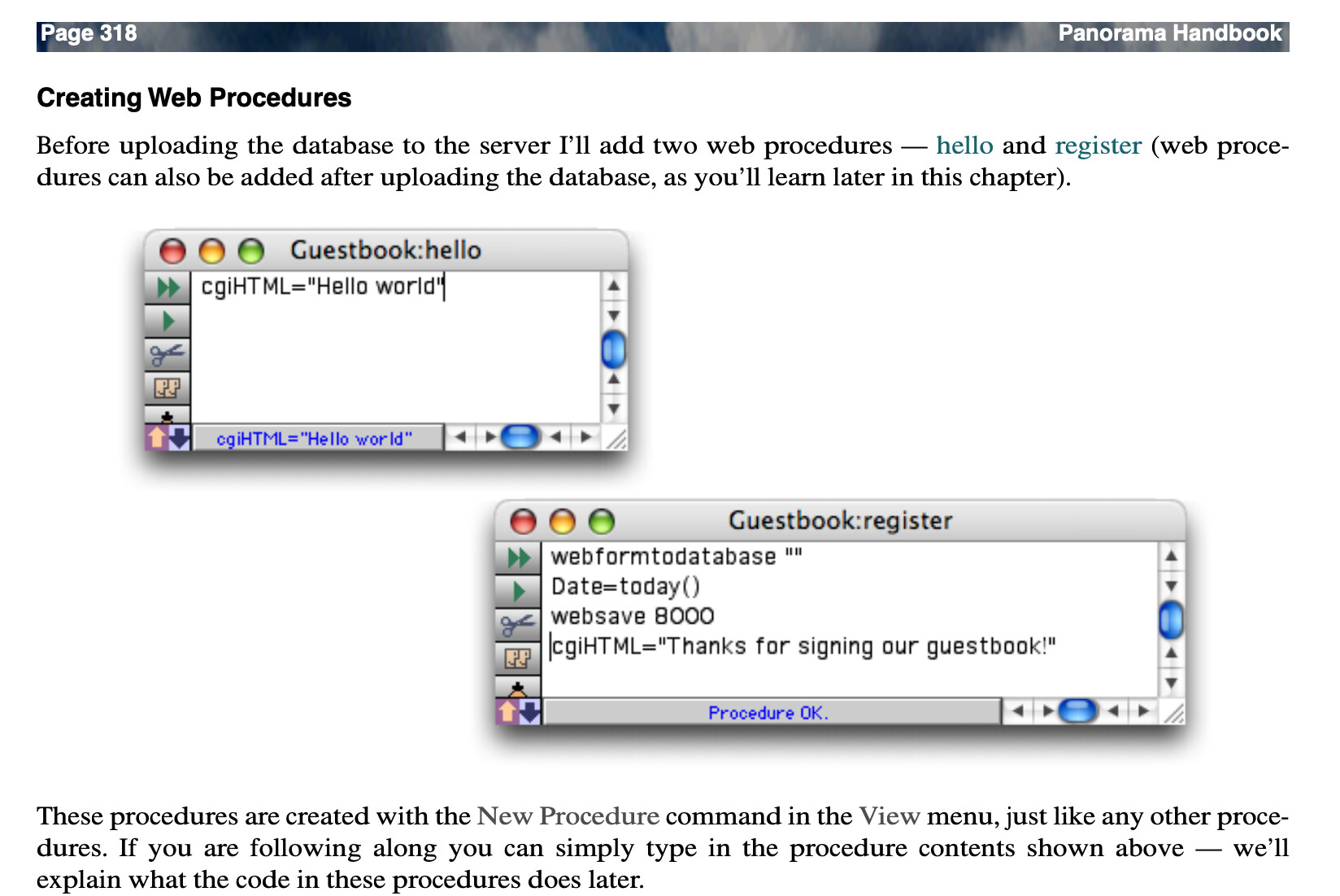
That’s basically the only thing that Panorama X web server does! In its simplest form, you can write a procedure with one line.

cgiHTML = "Hello Wold"

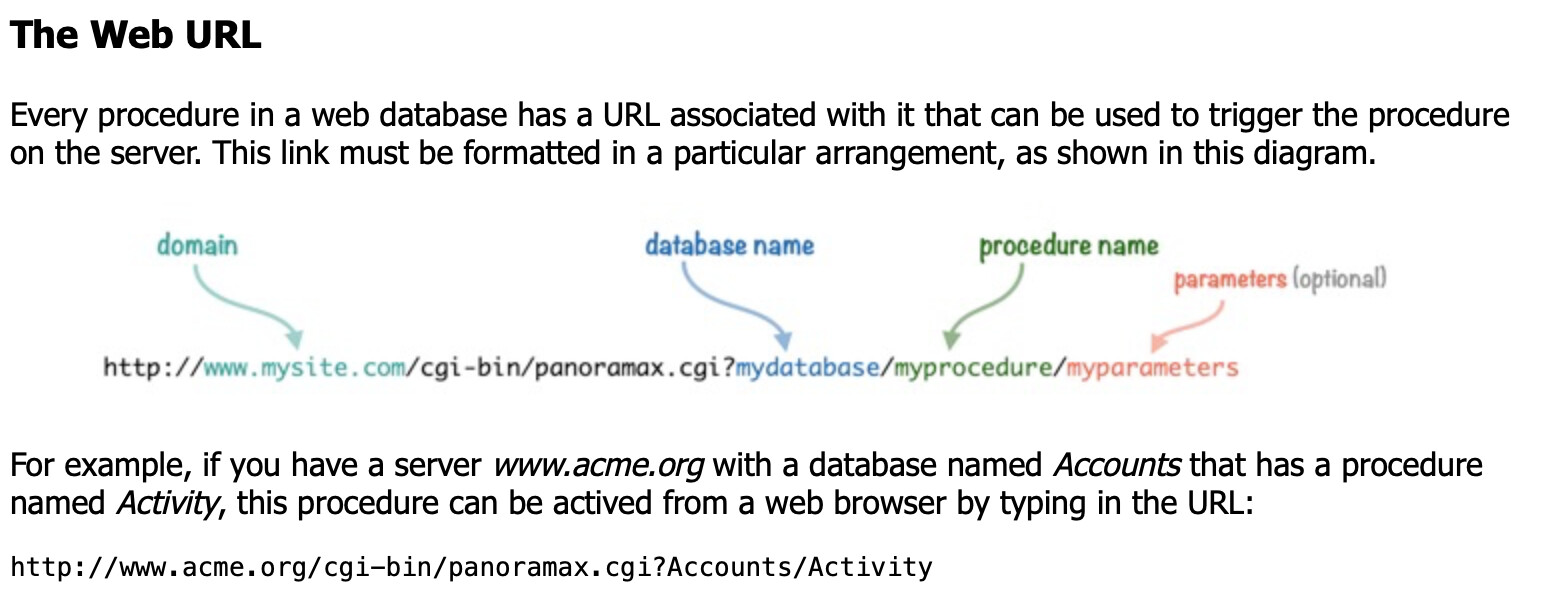
The URL format you propose isn’t quite right - here’s the actual URL format.

In addition to passing parameters in the URL, you can also pass additional data using POST arguments. This is typically used for working with web pages that contain forms.


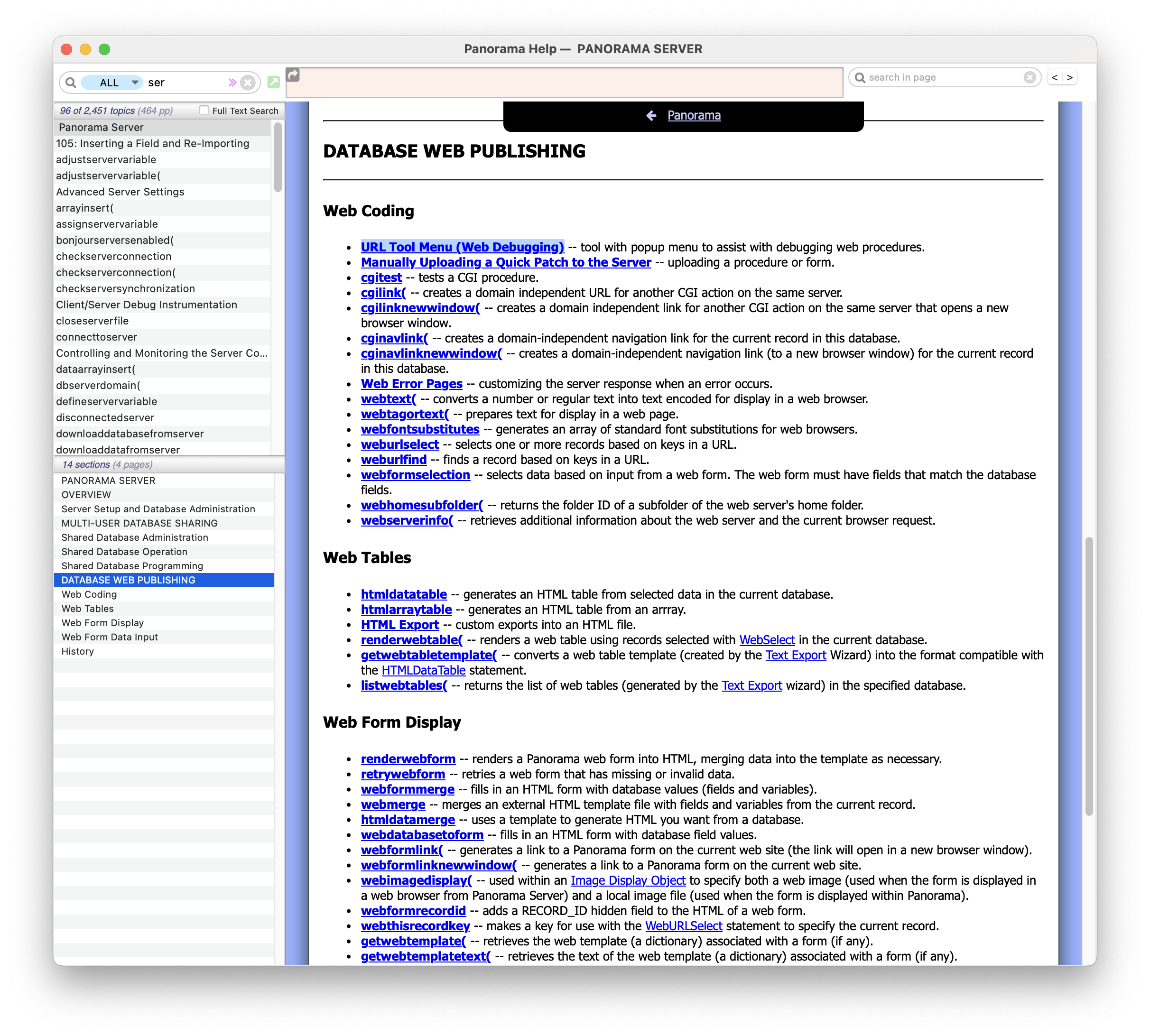
There is actually a lot of documentation available for writing web server code (but with some caveats, see below):

I don’t know if you ever used Panorama 6 Web Publishing, but if you did, the code is 99.9% identical between Panorama 6 and X. What is different, however, is the infrastructure, for example uploading code. However, it’s actually much simpler in Panorama X.

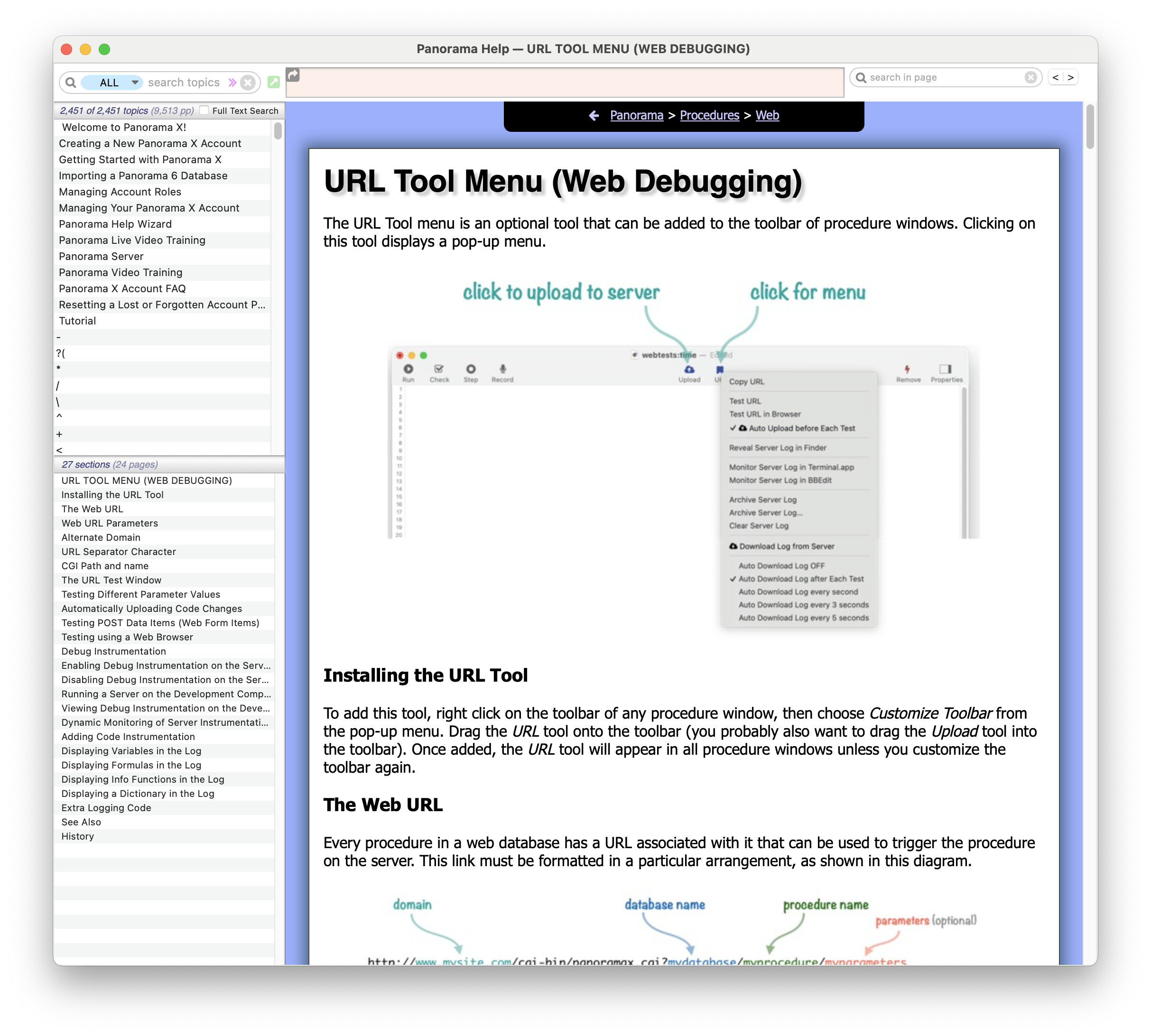
Panorama 6 had a simulator that could allow you to run web code on your client computer. Panorama X doesn’t have this. However, it has a much better system that makes it really easy to debug web code right on the server (and of course it’s easy to run a server on your computer if you want). I’d highly recommend checking out this help page very early in your journey. I’ve used this new tool myself quite a bit and I find that it makes developing and debugging web code nearly as easy as developing “regular” Panorama code.

Although all of the details of Panorama X Server web publishing are documentated, so far there isn’t any tutorial or any kind of an overall roadmap or guide book that will walk you through building a web application from getting started through more complicated applications. For now, you kind of have to piece together the details yourself. Since the code is nearly identical, you may find the Panorama 6 Server documentation quite useful.

That said, I never was super happy with the organization of this book. I’ve got an outline of a new book for Panorama X Server, but so far the outline is as far as I’ve gotten on this project. But between the old book and the new documentation for individual web server features, I’m confident that an experienced programmer such as yourself could make a lot of progress.

Thanks! You’re a wealth of information … :slight_smile:

Jim, I must have read your posts in 2023 about Help with Putting DB on Web. I know I must have read them because I see I replied on that thread a couple of times. But I don’t remember seeing it. Now that it’s been re-brought to my attention, I have to agree with Mark - these posts are great as an introduction to using a web form with Panorama X Server. :clap:

1 Like

so … I think the “hint” I was missing was:

cgiHTML = “stuff to return”

is “cgiHTML” a special variable? Do I need to “enable” it some weed here?

cgiHTML is a global variable. You don’t need to enable it - Panorama X Server sets it up before it calls your code. This is mentioned near the beginning of the Web Programming 101 chapter in the PDF file I mentioned.

However, right after that is a bunch of obsolete information about using the CGI Simulator. So I would skip that and read this instead (I mentioned it earlier).

Then you could skip ahead in the PDF to:

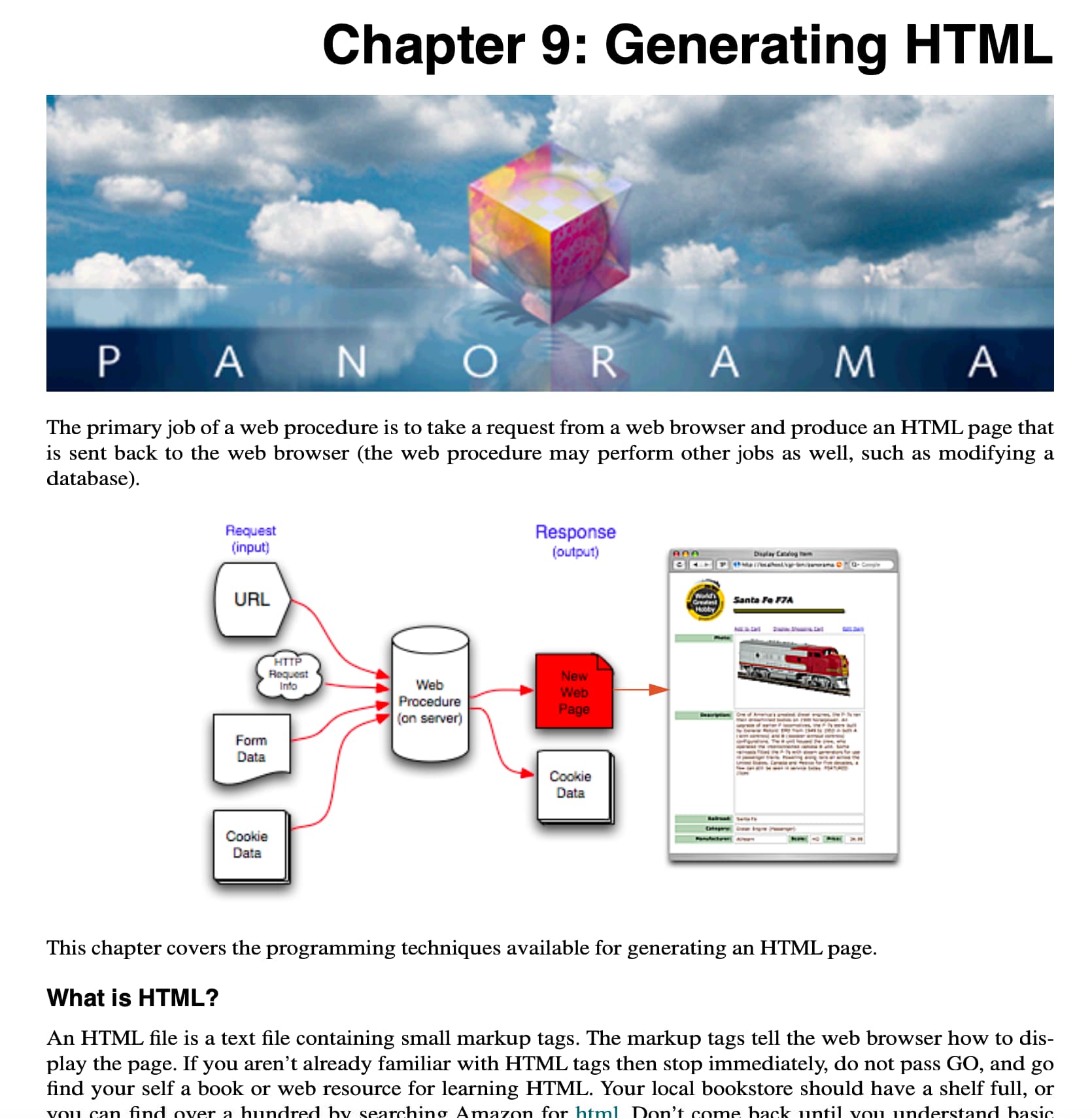
Then you could skip ahead to Chapter 9. (In fact, now that I think about it, maybe you could just skip Chapter 8 entirely and go straight to 9. But definitely read the URL Tool Menu page.)

Pretty much everything in Chapters 9 and 10 carries over to Panorama X, and most of Chapter 11 as well. Though for error handling I would recommend using Panorama X’s new try/catch system instead of the web error system described (though that still works).

Thanks – this is way helpful! :slight_smile:

The one piece I was missing was enabling “Web Publish Database”

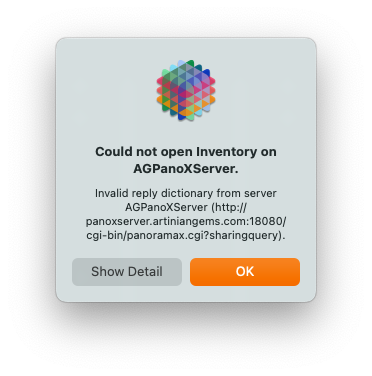
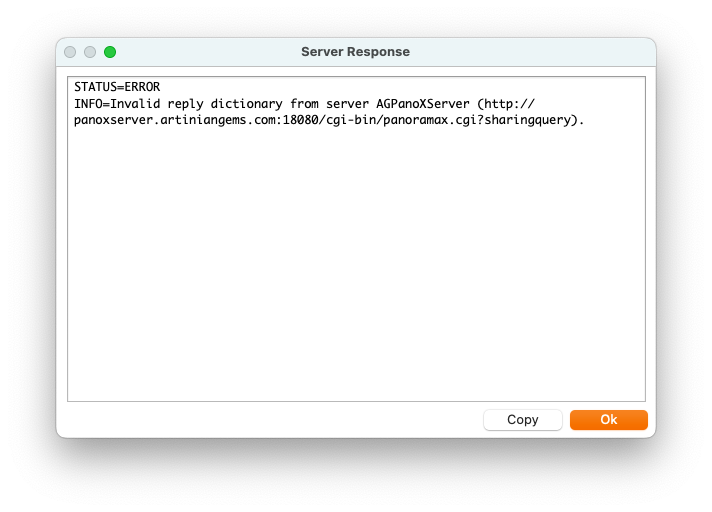
I tried the URL test without that, and it rendered the database unusable. See attached screenshots for the issues I ran into.

But … it’s working now. :slight_smile:

– Mark

Is it possible to set the http header values returned?

For example, if I’m sending a “csv” file, how do I add these headers to the http data sent:

Content-type: text/csv
Content-Disposition: attachment; filename="data.csv"

Is that possible?

I think you can set the content-type with the undocumented cgiContentType global variable, like this:

cgiContentType = "text/json; charset=utf-8"

However, there is no way to add arbitrary header values. So I don’t think there’s any way to add your Content-Disposition line. I’ve never heard of Content-Disposition before. Ok, I looked it up, very interesting.

I tried the URL test without that, and it rendered the database unusable.

Are you saying after you tried URL test the database wouldn’t work for sharing any more? How did you get it working again? That is very weird.

Yeah. It updated the remote database once, then subsequent attempts to sync with the server generated the dialogs I posted.

On the server, I run CCC to do backups of the databases. That way, I can restore if/when necessary. (It has not been often, but it has been very useful those few times I needed it.)

However, there is no way to add arbitrary header values. So I don’t think there’s any way to add your Content-Disposition line.

I probably gave you bum information yesterday. Studying the code further, I think you can set up arbitrary header values. In your case, I think this would work:

cgiHTML =
    "Content-type: text/csv"+crlf()+
    "Content-Disposition: attachment; filename="data.csv"+crlf()+
    crlf()+
    ... the actual contents of your page ...

If Panorama sees that the first line of the cgiHTML variable begins with Content-type: it assumes that you are explicitly taking care of the HTTP header, and it won’t add the header itself. This means that the page won’t work with cookies, but I’m pretty sure you don’t care about that in this case.

If you get this to work, please report back. I’ve never tried this and it would be interesting to verify that it really does work. But I think it almost certainly will work.

After working on this offline with Mark, it turns out my original take was correct, Panorama X Server can’t do this. You can only return types of text/html or text/plain, and you can’t add additional header values.