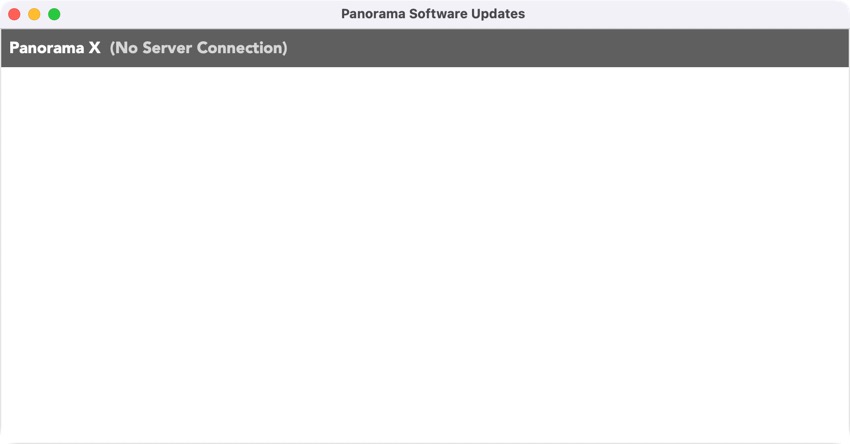
For past week when I check on Panorama X updates, I am getting a “No Server Connection” error.
My network is good. I have done nothing to Panorama X. This has occurred running macOS Tahoe 10.5.2 and now on 10.6 which I installed this morning. If I look at the Site License it says not connected to the Internet.
There is nothing wrong with the provue.com server. The most likely explanation is that you are for some reason running a quite old version of PanoramaX that is not compatible with the server protocol that is currently in use. We had to change the server protocol a few years ago, and we sent out many many messages informing everyone that the update had to be done manually.
The solution is to throw your current version of PanoramaX.app into the trash, empty the trash, and then manually download a fresh new copy of the application from the ProVUE server. While you’re at it, you should probably double check that you only have ONE copy of PanoramaX.app on your computer, and that there are no older copies lurking in the shadows waiting to bite you at some point.
You are referring to macOS 26.5.2 and 26.6, aren’t you?
I have seen many occurrencies of a pure macOS issue: the loss of internet connection in Tahoe or even in earlier macOS versions. I have a working solution for this: Open System Preferences, use the search field to find “DNS”, open the DNS Server setting, do not change anything, and close the dialog with OK. Then the Mac finds its internet connection almost immediately.
The DNS thing did not work. My overall network is working fine. Anyway, deleted Panorama, emptied the trash and reinstalled the App. When I go to login to the App with my credentials (which were working a couple of weeks ago) it says “server error”. I think my account on the Provue server is messed up somehow. By the way, I have never used the server version of Panorama if that means anything.