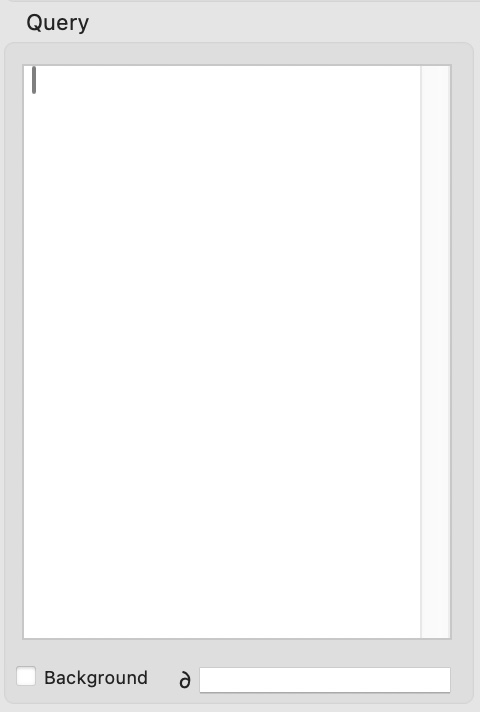
I am thinking that the Query section of the Matrix Data panel must be used to limit the results when listing data from an alternate database. Unfortunately this info is missing from the documentation. How would I use this box to display only the results from records in the alternate database that match a value in the current record?
The operation of Matrix and Text Display objects are identical - the only difference is that Matrix objects are more flexible as far as the graphical arrangement goes. But everything else is identical. In fact, internally, Matrix and Text Display objects share about 90% of the same code, they are both subclasses of an internal class called Live Array Objects. There is an overall help page that serves as a table of contents for both of these types of objects.
In this table of contents you’ll find a link to Text List Searching. (There should be another link to this somewhere in the specific Matrix Object help pages, but you’re right, that seems to be missing.) Everything on this page also applies 100% to Matrix Objects.
What is the ‘background’ checkbox?
This is explained in the Text List Searching page.
What is that squirrely character?
That is a shortcut notation for the current database. The primary advantage of this is that it will still work even if you later rename the database. As far as I can tell the only mention of this is on the Text List Database Integration page.