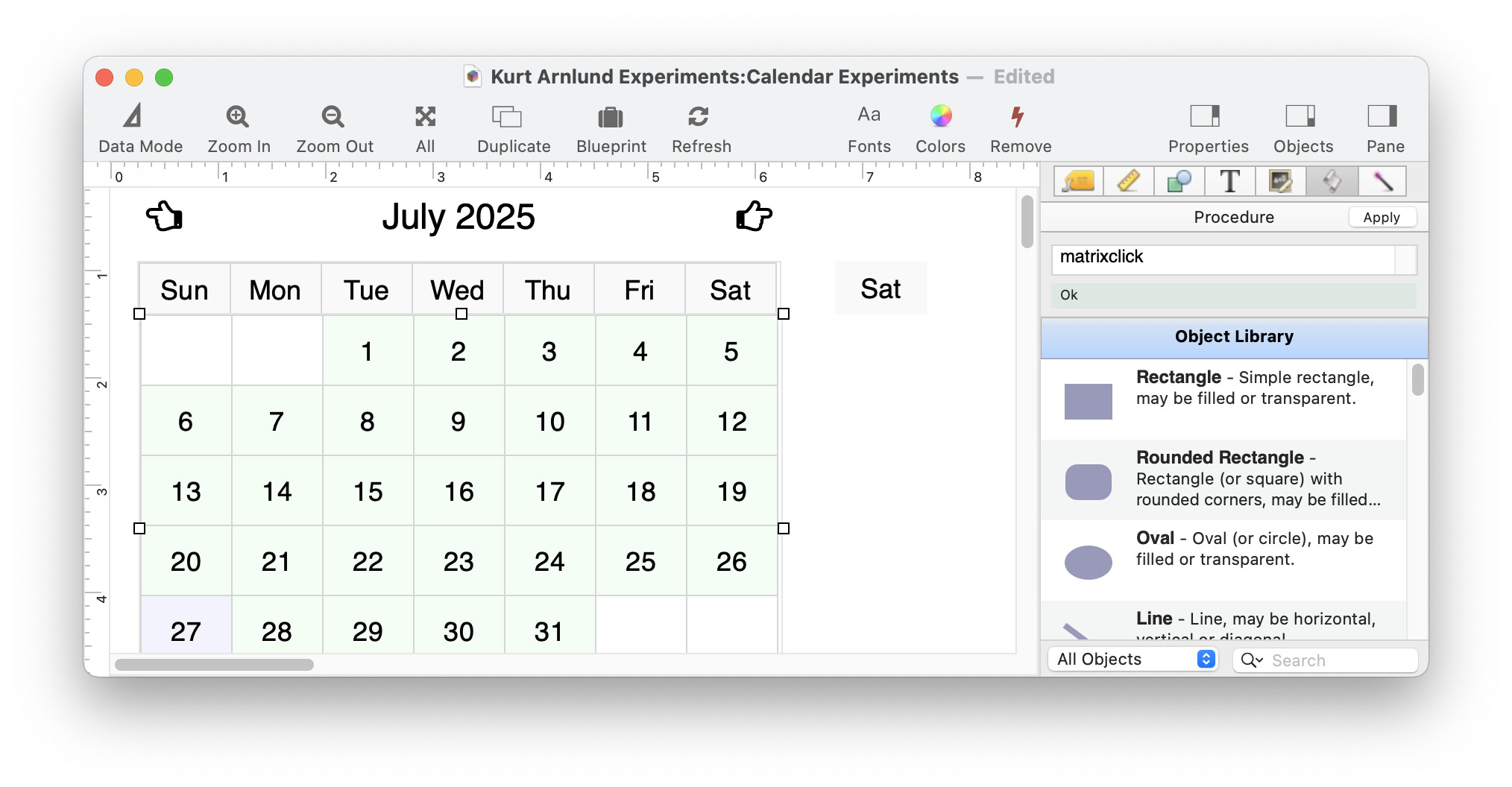
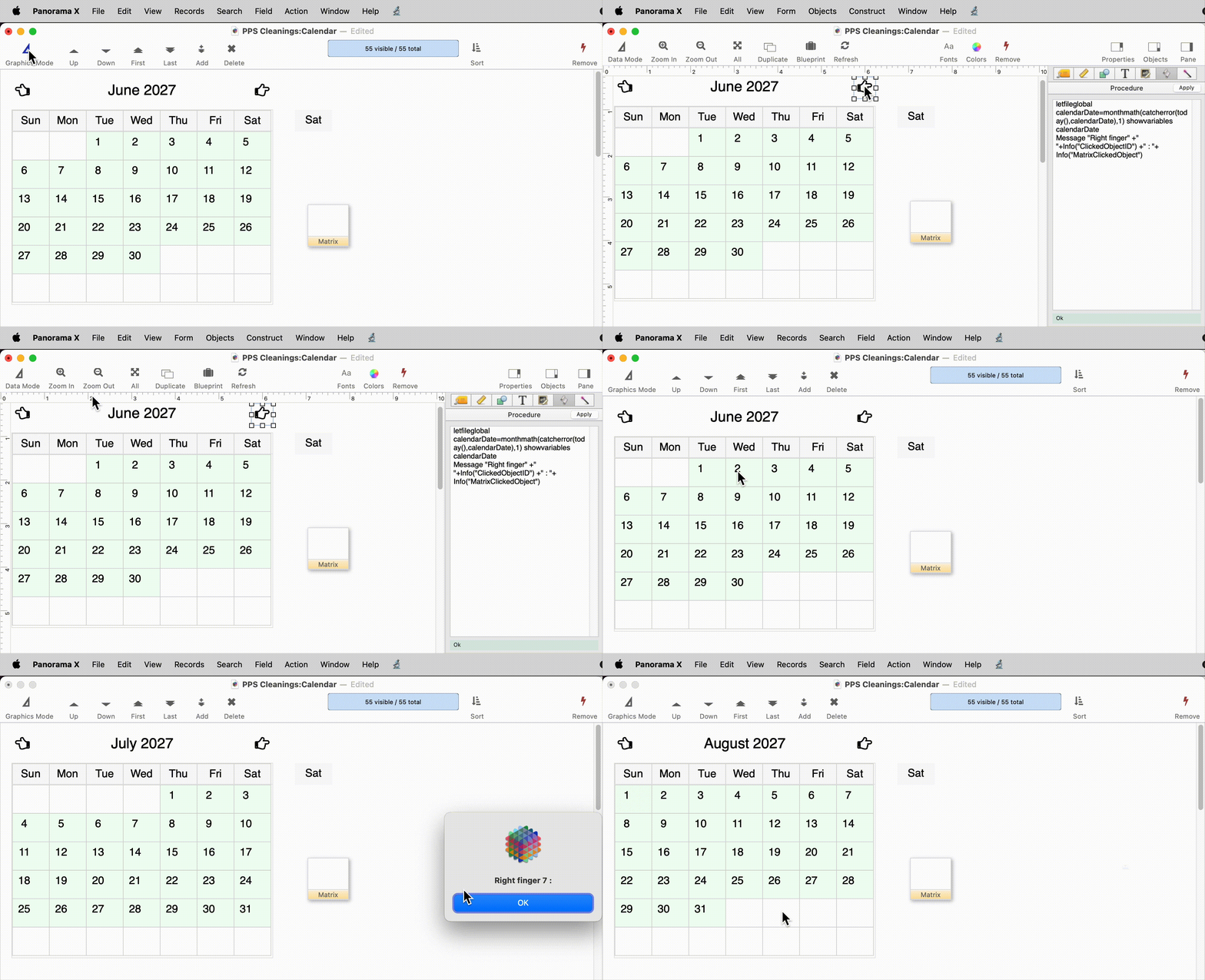
I created a new calendar using the Construct Calendar wizard. After making the Matrix object active (the large object containing the cells that make up the month), I entered ‘matrixclick’ in the Procedure pane of that object.
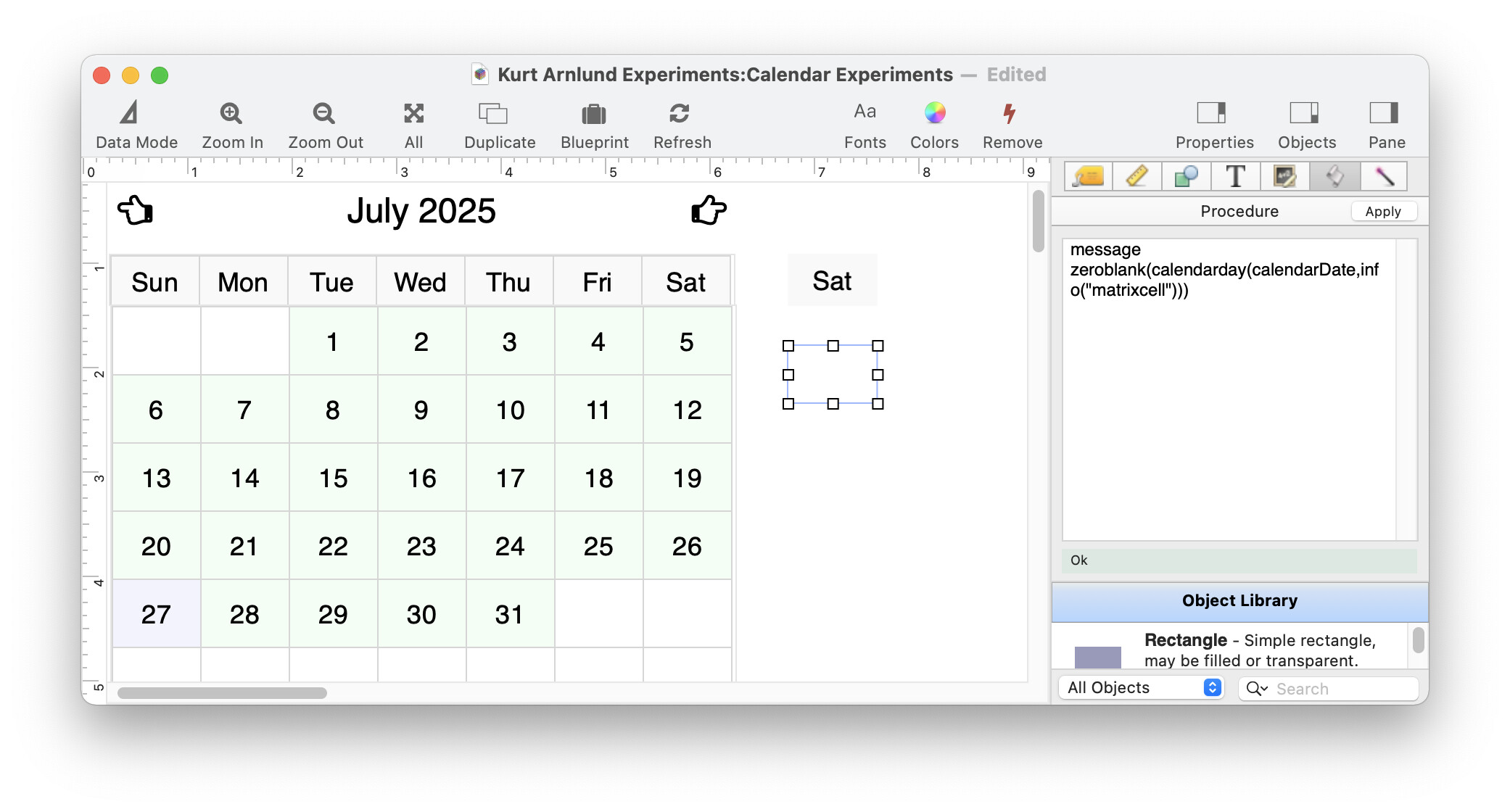
In the Matrix Frame of that calendar, I selected the Image Display object and in the Procedure pane, I entered: Message “Clicking on a day”. (Note: The Help file shows a Matrix Frame Report Tile that did not get created by the Construct Wizard. I created a Matrix Frame Report Tile and put both the Image Display object and the Text Display object within the Matrix Frame Report Tile. All of the issues described here happened before I created the Matrix Frame Report Tile as well as after creating that tile.)
Now when I click on a day within the Matrix, it acts as if I’ve pressed on the Month Forward icon and moves the calendar to the next month. If I click on the Image Display object in the frame, I get the ‘Clicking on a day’ response. (Both the Image Display object and the Text Display object have names.)
TLDR - I was able to get this to work without any problem.
The help page for calendar construction is:
This help page doesn’t have any screenshots, so it definitely doesn’t show a report tile (I think maybe you were looking at a general Matrix help page). In any case, this wizard doesn’t create report tiles. Instead, the Matrix Frames are Image Display objects, named _CalendarHeader and _CalendarBody. This is described in the documentation page I linked to above. You can also customize these names if you wish.
Yes, the issues didn’t change because Panorama ignored the report tile you created. Since the calendar uses two matrix objects in a single form, the frame objects must each be named. The named objects don’t have to be report tiles, they can be any kind of object, and in this case, the constructor uses Image Display objects. This is because when the constructor code was written, report tiles weren’t used for matrix frame objects (this was only added in 10.2). Using a report tile is convenient when there is just one matrix, and also convenient because the report tile is more “visible”, but any kind of object will work if you are using the object name to specify the matrix object frame.
So, to get this to work, I first clicked on the main matrix object and added the code matrixclick to that object.
As RAmeeti reported, matrixclick does not seem to work. Nothing is happening when any cell is clicked in the matrix object. I always put the procedure in the matrix object and it works. I never tried matrixclick statement before, but what happens when there are multiple text display objects with procedures in the matrix frame? I cannot test it since matrixclick is not working.
Sorry, but what I meant was:
Try with [message “Clicking on a day”] (instead of matrixclick) in the procedure pane of the matrix object, not in the text display object.
It definitely works. I emailed Robert a database with a working calendar.
That’s the whole point of using matrixclick. When you use that, you can have multiple clickable objects in the frame and it will run the correct code depending on which one you click.
But @RAmeeti - are you planning to have multiple clickable objects in each cell? If not, then there’s no point in using matrixclick - just put the code in the matrix object as @epansoft is suggesting.
Honestly yes, I will have many hot spots in the cell to take multiple paths of action. Add, edit, or delete an event. Edit the company or location that the event is about, bill the event, etc. I will also have multiple Matrix objects on the same form.
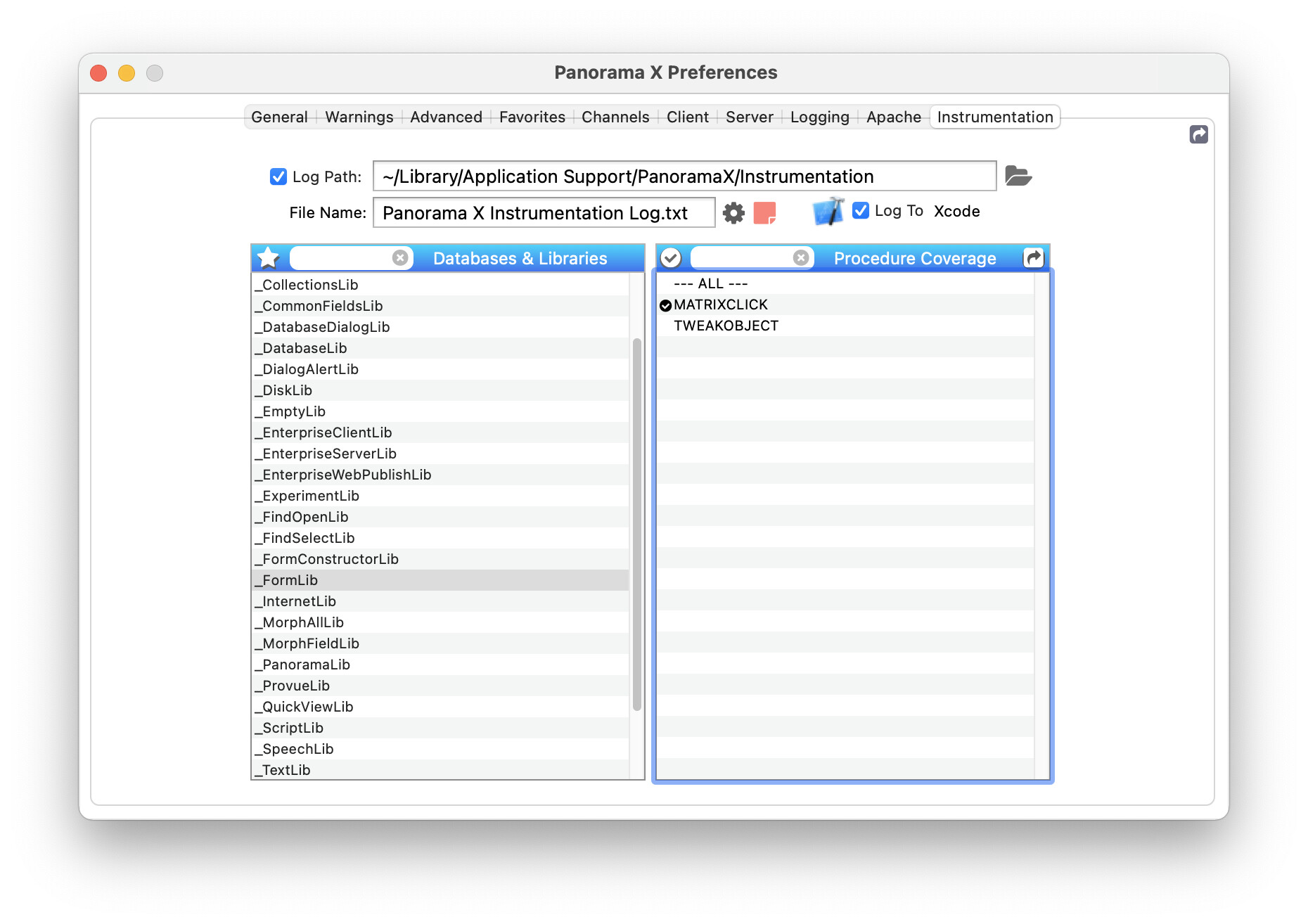
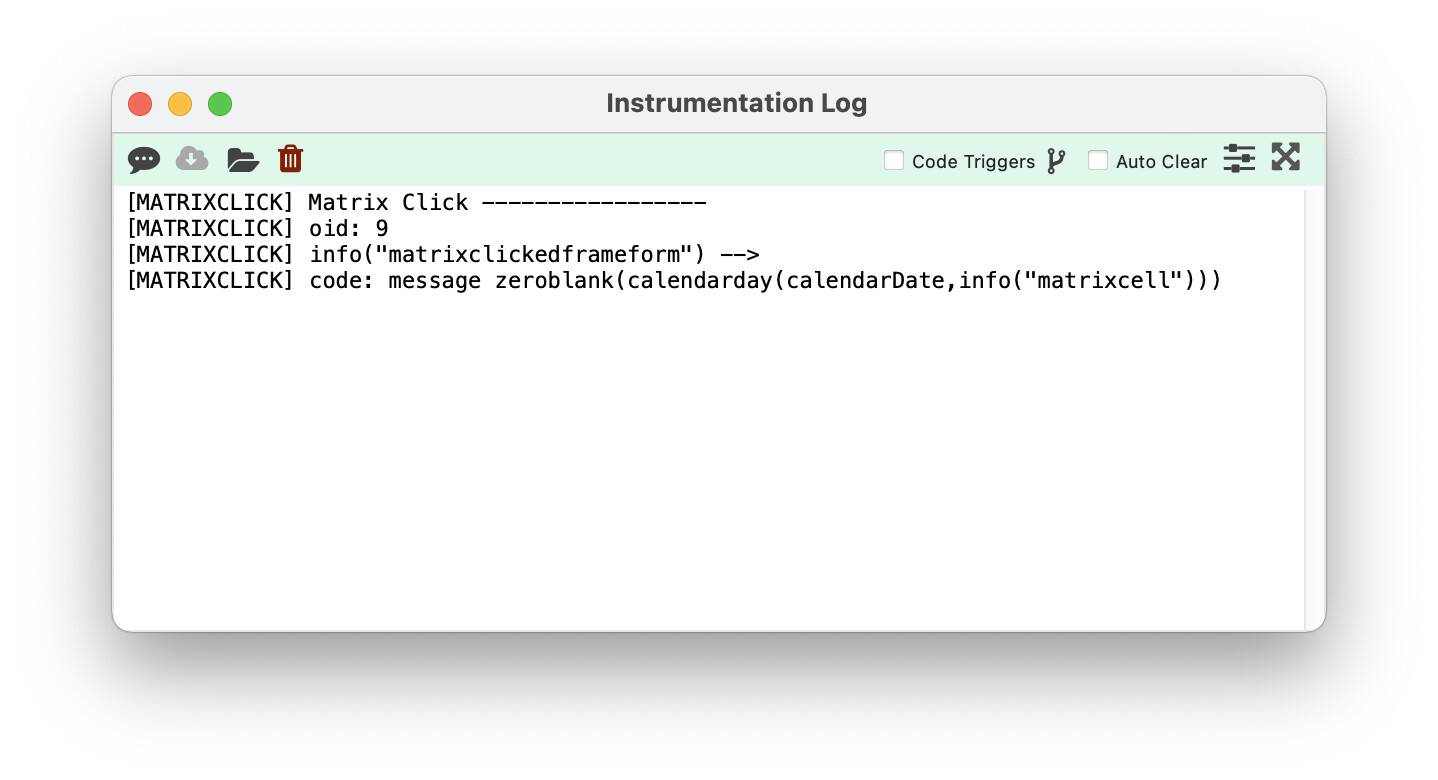
As it appears that it might not just be me, how would we figure out why it appears to believe that I clicked on the Next Month graphic? The Instrumentation log showed me that it was acting on the wrong objectid. (I tried the naming of objects previously as the Matrix Programming Help page stressed the importance of the naming of an object to use objectAction.)
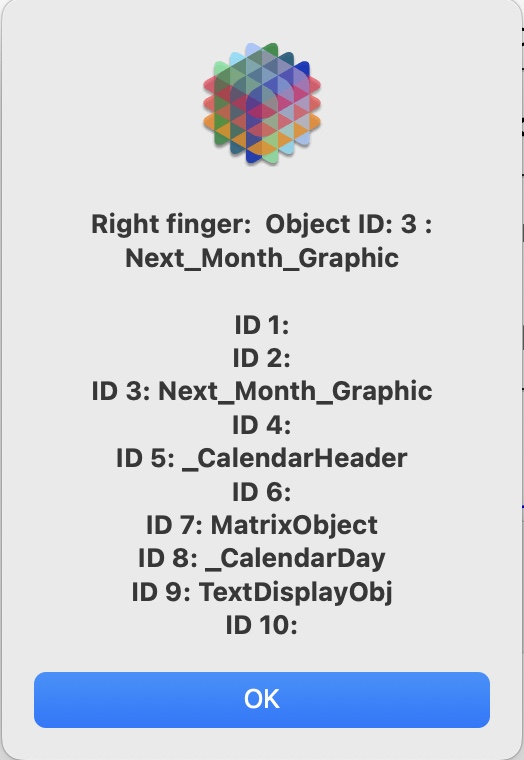
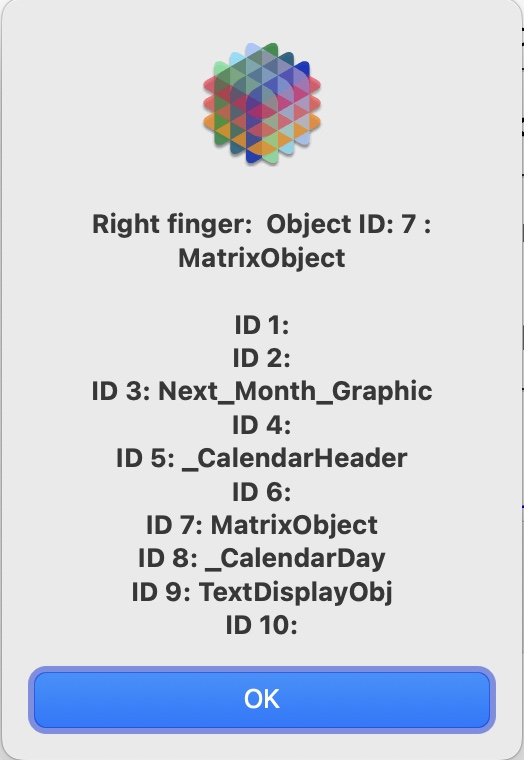
I put a Message in the Procedure pane of the Next Month graphic object and that procedure is triggered when I click on a calendar day.
@RAmeeti, yesterday I sent you a database that seemed to be working for me. Did you try it? You did not reply to my email.
In any case, I assume it doesn’t work. It doesn’t work for me today, and I don’t understand why I thought it was working yesterday.
Anyway, the bad news is that this feature (multiple clickable objects in a matrix frame via the matrixclick statement) is only implemented for fixed height matrixes with one column. It does not work for matrixes that used a fixed number of rows (like a calendar), or for matrixes with multiple columns. I will update the documentation to make note of this restriction.
Anywho, all I’m ever after is taking full advantage of what Panorama can do. And if it can not do something in a particular way, that just means take a step back and come up with a different plan. Thank you for allowing me to know I’m not crazy.
That’s weird, I juist checked and I did send it to the same email address you use here.
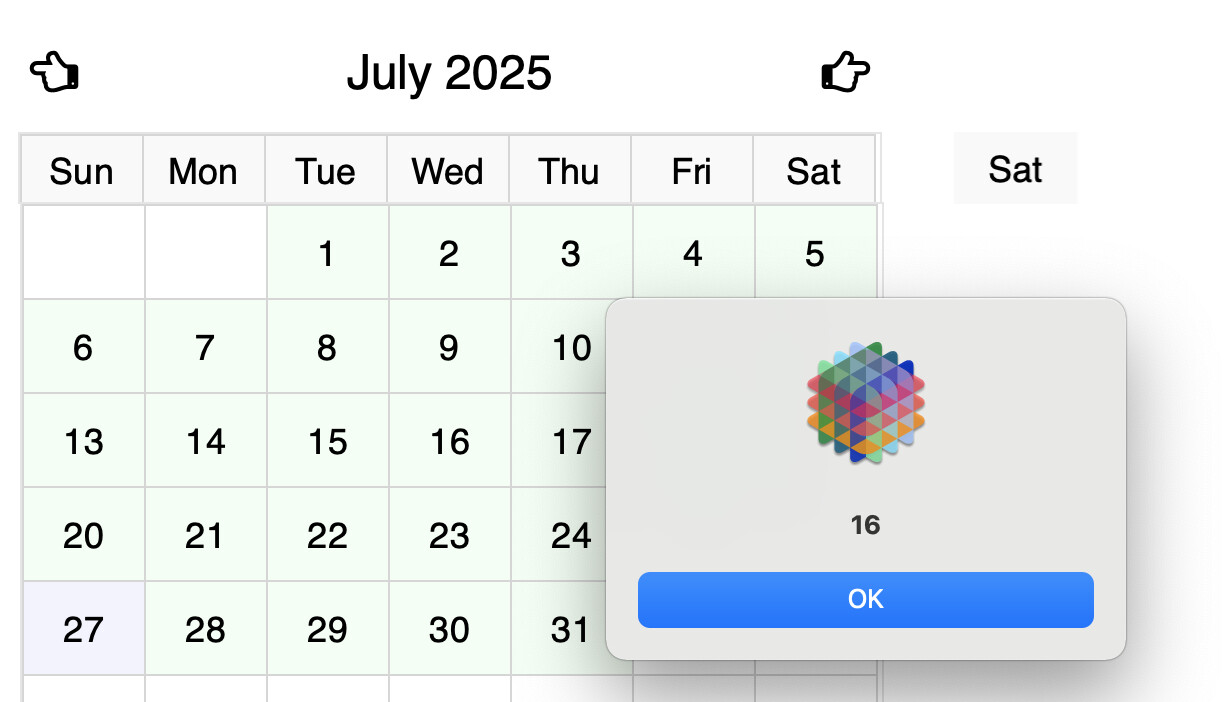
I guess I’m the crazy one. On July 27th I tried this 3 times, and it seemed to work each time. Now I don’t know how that could be - the source code definitely doesn’t include this feature.
Panorama X Matrix objects have two completely separate implementations. The first one is for matrixes with a fixed number of rows and columns, like a calendar. This implementation is similar to how Panorama 6 worked (which did not have the matrixclick feature).
The second implementation is for matrixes with fixed height rows, which may include scroll bars. Panorama 6 matrix objects did not have this capability. It turned out that adding scroll bars required an entirely different implementation, but that implementation doesn’t work for matrixes with a fixed # of rows. So the source code actually includes two completely separate sections of source code, one for each implementation.
When the matrixclick feature was added, it was added to the new implementation, the one for scrollable matrix objects. It was never added to the old implementation.
Of course this feature could be added for the old fixed # of rows matrix objects. But I took a look at this, it would be a significant project that would require all new code - the version of matrixclick for scrollable matrixes cannot be adapted. So this may be done at some point, but I won’t promise.
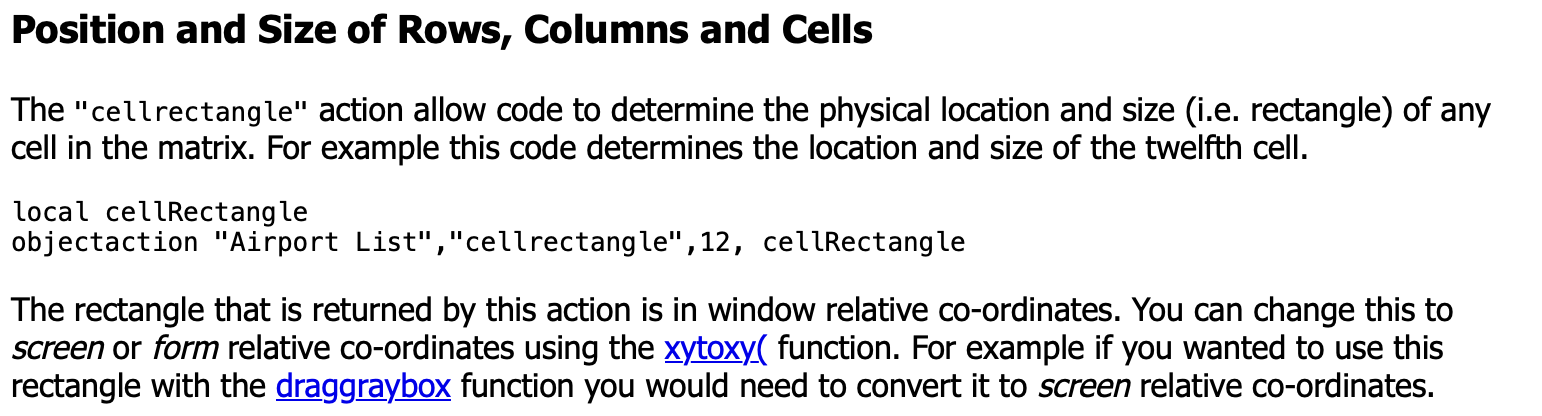
There should be a way to implement multiple clicked areas in a calendar frame. You can use the objectaction cellrectangle function to get the position of a cell.
Then you could check the mouse position relative to the edges of the cell. You would have to hard code the positions of any clickable areas.
You might also find the xytoxy action useful. However, I’m not sure if this works with the old style matrix implementation (fixed # of rows). Looking at the source code I think it does, but I’m not 100% sure.