The buttons in the headers of my View as List forms no longer work. They work in regular forms.
I can’t imagine why the macOS version would affect this, but I have been able to duplicate this problem.
I was right, the macOS version doesn’t affect this. The problem is with the experimental new version of Panorama. When using this experimental new version, the problem appears on any version of macOS. I think this is actually good news, it should make it easier to track down and fix. However, I have not tracked down the source of the problem yet.
Another problem I discovered- entering text in the inspector panel (this is for a TDO) is difficult because of a form quirk (look on the far right.) Two full ines are hidden at the top.
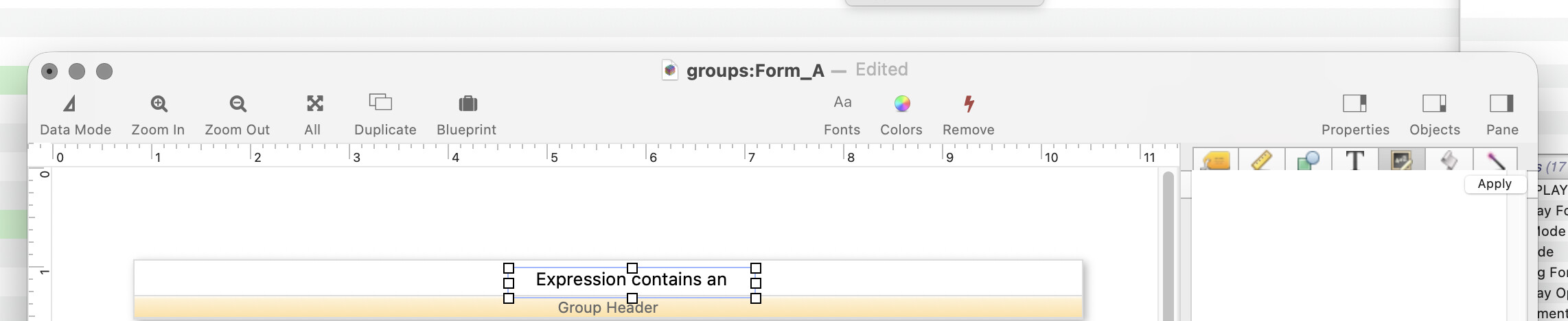
The workaround is to just hit return a couple times before crafting your text expression. But it’s kinda inelegant.
cw
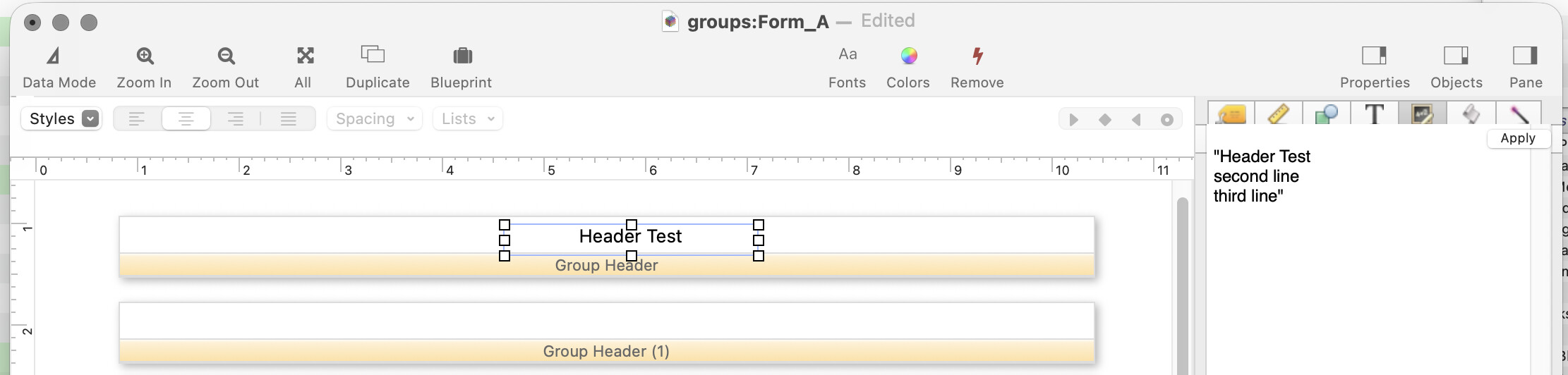
Here’s a shot of a Text Display object formula inspector panel taken on macOS 27. As you can see, everything is fine - nothing his hidden.
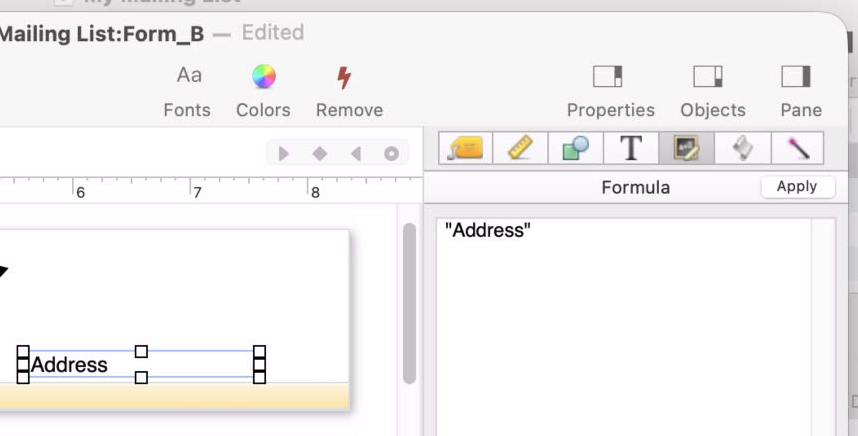
It has always been possible to get the form inspector panels into a confused state by shrinking the window height and/or moving the divider between the top and bottom halves of the inspector panel so that the divider line is off the visible area. When this happens, the only fix is to close and re-open the window, which resets everything. I suspect this is what has happened to you - this is not a new behavior in macOS 27.
Developer Note: The layout arrangement of the form inspector panel is defined using Xcode’s Interface Builder feature, which is kind of a WYSIWYG graphic editor program for programmers. As far as I can tell, there is no way to fix this behavior while using Xcode. Possibly this could be fixed by completely rewriting this portion of Panorama so that the layout is defined not in Interface Builder, but directly in hand written Objective-C code. This would be a major project (probably several weeks), so it has not ever risen to the top of the to-do list.
The buttons on the data tile of the View as List form work but don’t in the header. How do they differ? I use info{“trigger”) to identify the button name so my procedures can do the correct steps. I have to add a procedure to the Action menu to work around this which is unacceptable.