AFter using Panorama for +10 years, I’m ashamed that all of a sudden my record-input screen disappeared and I don’t know how to get it back. I just have access to the full data base, all the records. Please tell me how to get my input screen back, please.
I think you are probably just logged out from your account. In older versions of Panorama, the View menu would be omitted when you are not logged in. To solve this, simply go to the Site License window and log in with your email address and the password you used when you set up your account.
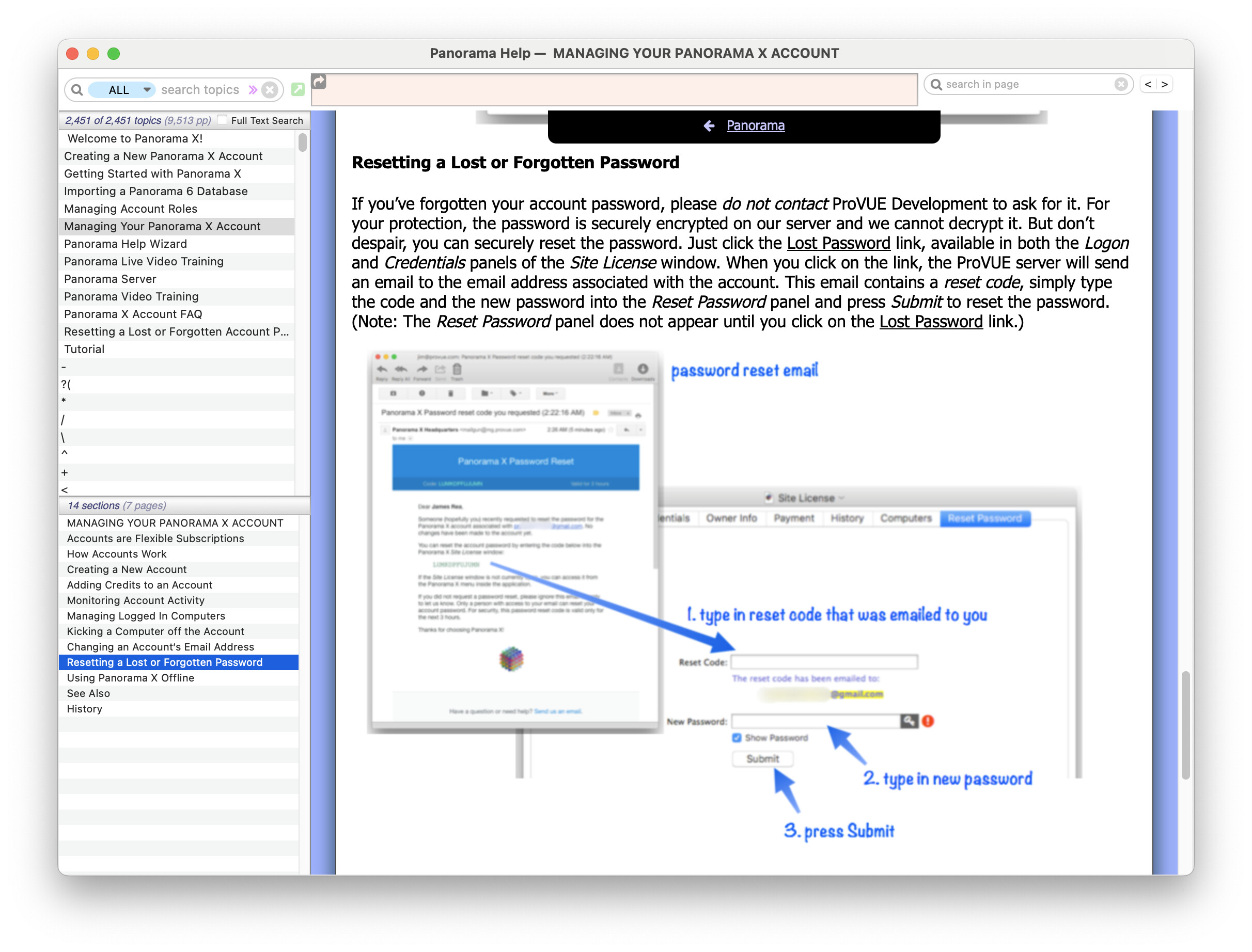
Since it’s apparently been 10+ years since you set up your account, you may have forgotten your password. If you don’t remember your password, you will have to reset it. Here are the instructions if you don’t know how to do that.
I would also recommend that you update to the latest version of Panorama. In older versions, Panorama would simply omit the View menu if you are not logged in, but not give you any other warning. In the most recent version, Panorama will actively warn you that you are not logged in. If your copy of Panorama is really old, you might have to download it from www.provue.com. Simply click the Download Trial button and follow the installation instructions.
Hi Jim,
I’m his son in law. Turns out, when I right clicked and did “show package contents”, inside the forms.archive was only 3kb. Luckily, we were able to find a version from a few days ago in which the forms.archive was 523kb. Looks like Tahoe might have corrupted something? Regardless, we just got it back up and running. he was logged in, and on the newest version of Tahoe and Panorama. Thank you for writing back and appreciate you as always!