For years (since Hector was a pup), I have used a hot key that Gary Yonaites wrote. It will switch to graphics mode when viewing a form and will size the window according to the limits set for the form, rather than simply expand to fill your screen (one of the most annoying actions ever!). Or switch back to data mode. But it has stopped working and I have not been able to resurrect it. I suspect this is an OS 26 issue; I think the problem started when I installed the new OS. The hot key procedure is:
definehotkeys “Global”, “COMMAND-ESCAPE”, |||If info(“windowview”)=“Form”
if getformoption(“”,“”,“MAXIMUMHEIGHT”)=0 or getformoption(“”,“”,“MAXIMUMWIDTH”)=0
beep
alertsheet “Max Height and/or Max Width are not set for this form.”+cr()+cr()+"Form name: "+info(“Formname”)
return
endif
let WTop=getformoption(“”,“”,“WINDOWTOPEDGE”)
let WLeft=getformoption(“”,“”,“WINDOWLEFTEDGE”)
let WHght=max(getformoption(“”,“”,“MAXIMUMHEIGHT”)+24,600)
Let WWidth=getformoption(“”,“”,“MAXIMUMWIDTH”)+300
zoomwindow WTop,WLeft,WHght,WWidth
As you’ve posted it, that procedure has never worked in any version of Panorama X. It contains a statement that isn’t supported in Panorama X, fixwindow.
Assuming that you removed this fixwindow statement, what happens when you press Command-Escape after running this procedure?
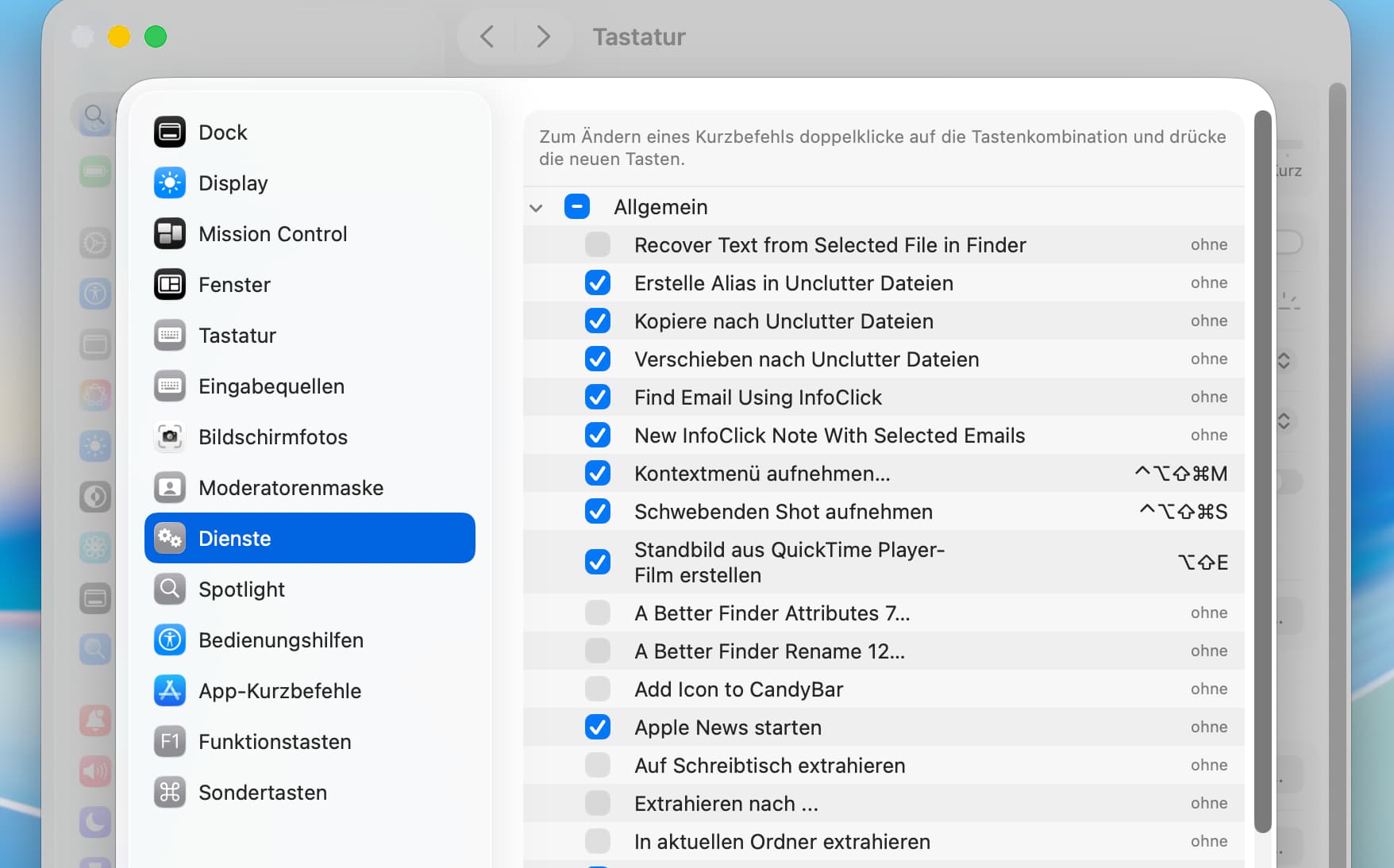
You could check if macOS has new keyboard shortcuts (colliding with your hotkey). Look in System Settings > Keyboard > Keyboard Shortcuts and check specially the shortcuts for accessibility, for services, and apps.
Kurt, good idea. I am astounded by how many possible hot keys one can set up on the Mac. But I did not find any keys that use the Escape key.
On the other hand hand, I changed the key combination to trigger the hot key to Option-K, one used in the example in Pan Help, and that worked! So I’ll just look for what key combination will be best.
Tom