After creating a button in a form I want to create another object behind that button. Is this possible? Right now it seems that an object created after another object will always display in front. I want to change the graphic stacking order.
In graphics mode you select the object you want to reorder and then choose from the Object menu Arrange. You then can choose to move it up or move it down or move it to the back or to the front. Also be aware that you can select objects from behind other objects by command-clicking over the objects.
Hi!
Is there a way to programmatically (from a procedure) to move an object to the “front” or “topmost” layer?
TIA!
– Mark
Figured it out.
In case anyone else needs something like this.
In order to move the object named TDO_Lock to the front, select all the other objects to the back … like this:
    SelectObjects ObjectInfo("Name") != "TDO_Lock"
    SendToBack
It would be simple to write a similar “SendToFront” procedure to do this. 
Enjoy!
– Mark
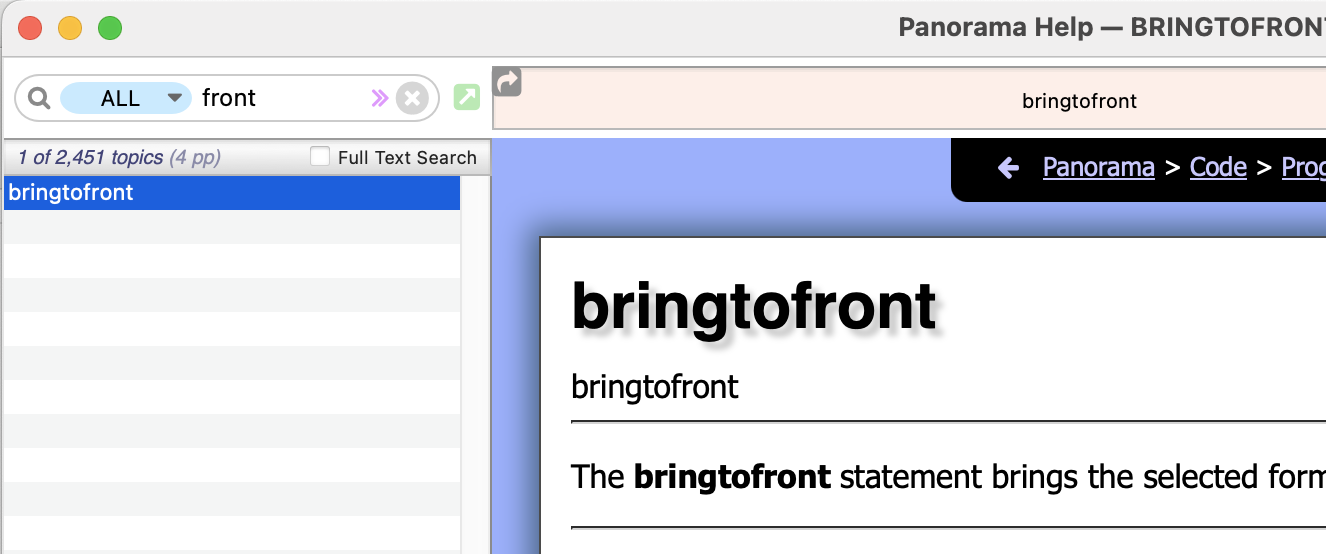
Oh my … with PanoramaX, I’m really good and jumping through extra hoops.
I did look for SendFront or SendToFront … but it never occurred to me to look for BringToFront … hahaha
Thanks, @gary Much appreciated
(And I just tried it out … works beautifully …  )
)
I run into that enough myself. It’s important to remember to look down the page to the section on “See Also”. Then it requires actually reading the list.
A bonus is that aside from what you might be looking for, there are always a few new items or reminders. “New” meaning it’s something I didn’t know about even though it’s been there for some time.
1 Like
 No worries, we’ve all been there.