Is there any way to create the GetTextDialog with centered text?
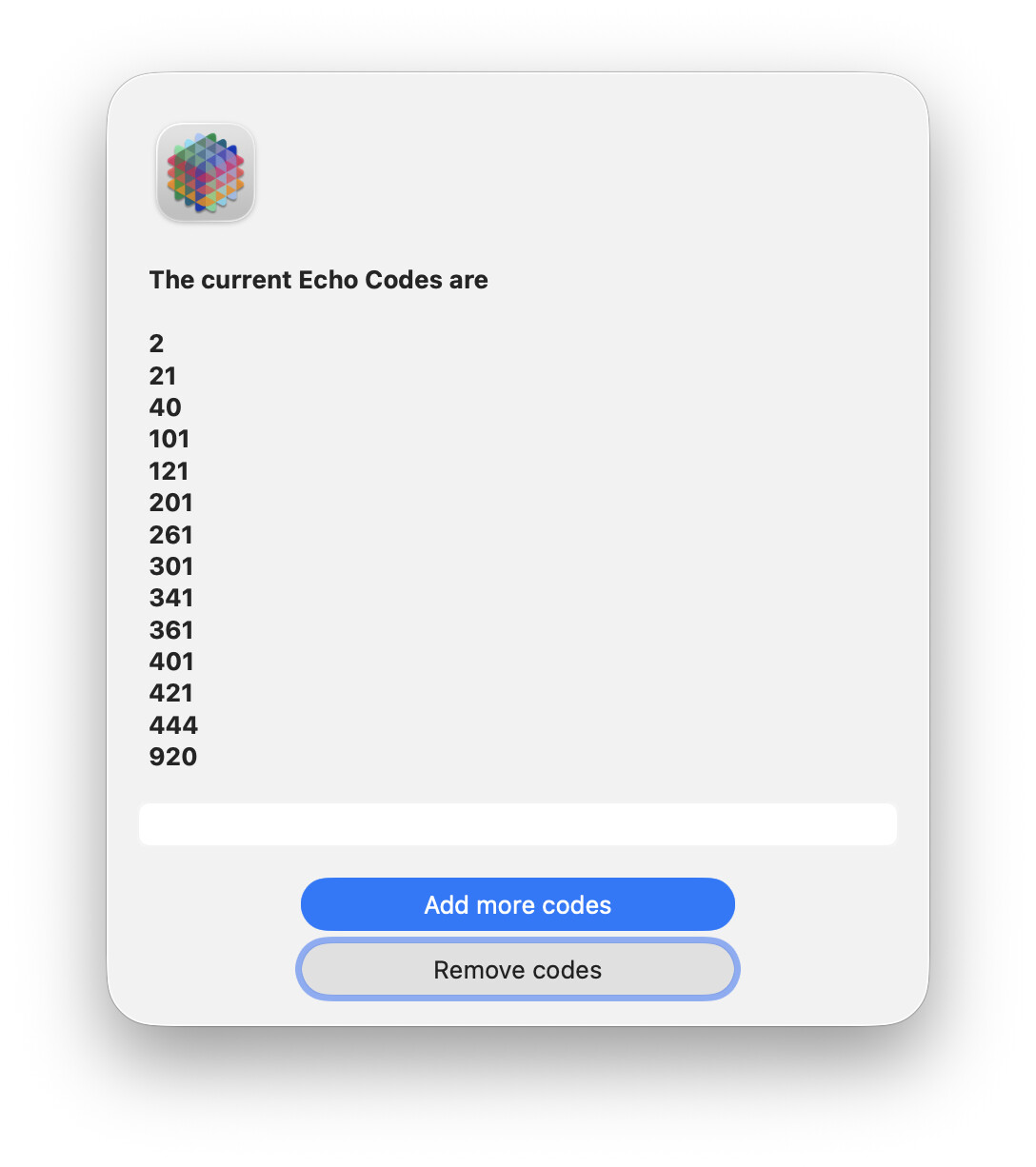
The GetTextDialog simply makes a standard Apple dialog accessible to you as a Panorama programmer. The advantage is that it allows you to make a standard dialog with one line of code, and this dialog always appears with Apple’s recommended appearance. For example, when Apple changed the appearance of all dialogs when 10.15 was released, this dialog automatically changed, with no changes required in your code. The downside, of course, is that you have no control over the layout - you get whatever Apple gives you.
Of course, it is possible to make a custom dialog with whatever arrangement you want. To do this, you need to create a form and use the rundialog statement. It’s quite a bit more work, but this approach gives you full control over the layout. You’ll have to decide how much work you are willing to put in to have full control.
Got it.
GetTextDialog No
RunDialog Yes
The GetTextDialog just looked so wrong that I figured that there was something I was missing. Perhaps the Help File page for the GetTextDialog page might offer the RunDialog page as a path for ‘even more’ customization. My brain loses track of all of the ways Panorama can deliver whatever we want.
I was a bit confused as I had been using GetText and that was still centered. The Panorama icon was centered, etc. I did not realize that GetText would be centered but GetTextDialog would be left aligned (even the Panorama icon). I figured it was me.