I followed the tutorial, seems easy enough.
- Dragged a matrix onto the form.
- Created Frame Object.
- Selecting the matrix, and in “Formula”, I entered then applied…
“a
b
c
d” - Dragged a Text Display object into the Matix Frame (fully inside the frame’s boundary). Text displayed “Text”. Then I clicked “Refresh”. As shown in the tutorial, the matrix displayed “Text” in each cell.
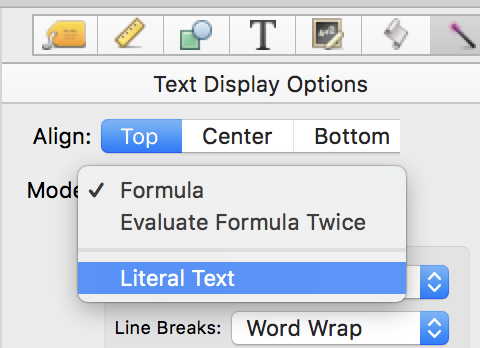
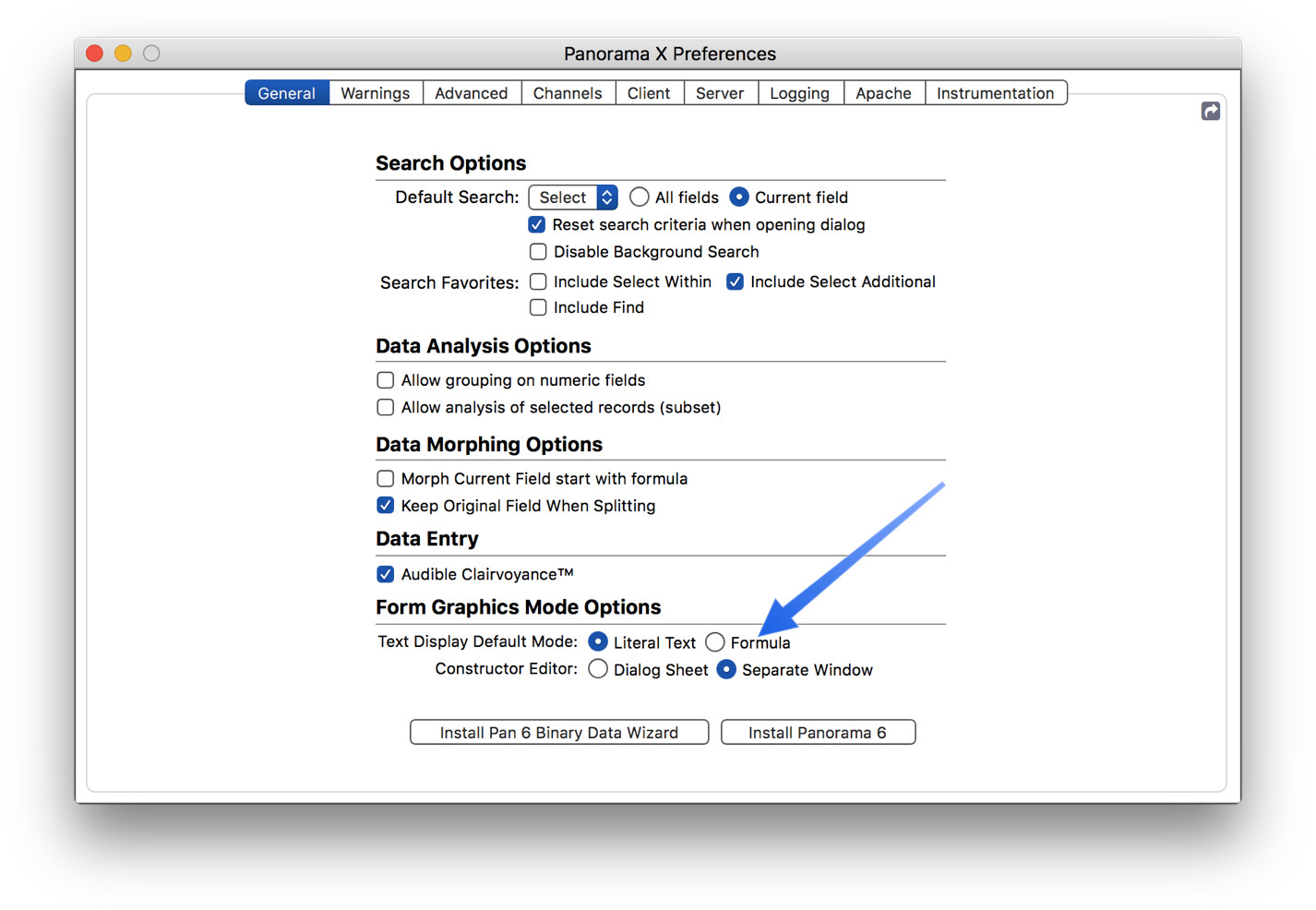
- For the text display in the matrix frame, in “Formula”, I replaced the default text with info(“matrixcelldata”) - I was careful to use non-smart quotes. Clicked Apply then Refresh. Instead of getting one of the letters a through d, I got info(“matrixcelldata”) in the frame and the Refresh put that string into each cell of the matrix.
I’ve repeated this countless times and have gotten the same result (yes, I know that is an indication of insanity). What have I missed?