For some silly reason, I never really thought about emojis in a PanX database. I stumbled across it while pasting some sections of an AI session. That pasting contained emojis.
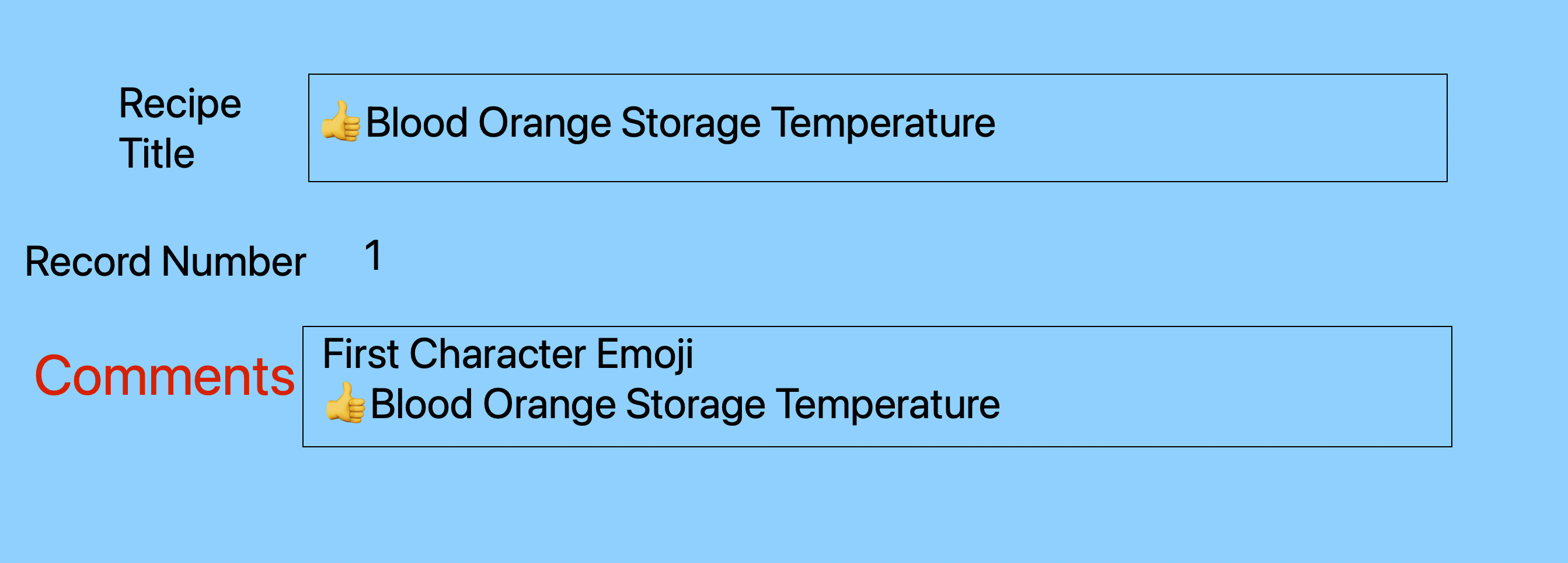
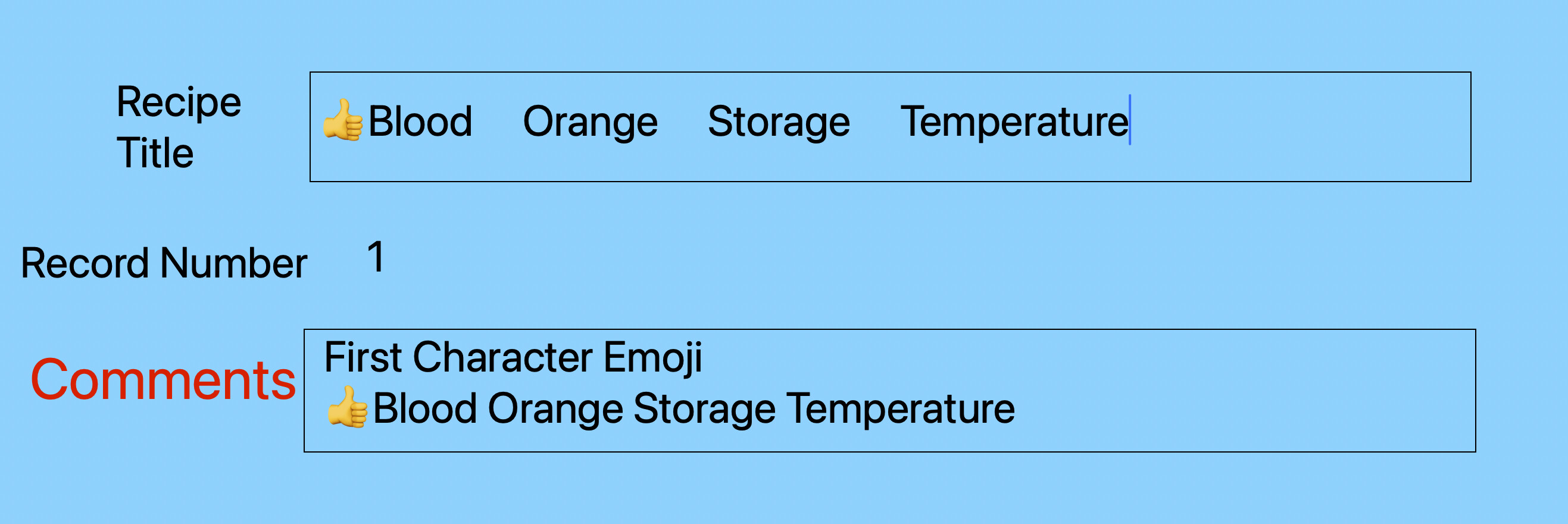
I have discovered in a form that if the first character is an emoji (of the ones I tested) when you enter it into the form, say “Recipe Title”, the entire text spreads out in the sense that the spacing changes. That does not occur on the data sheet for the same record.
Further, if I delete the emoji the formatting goes back to typical formatting.
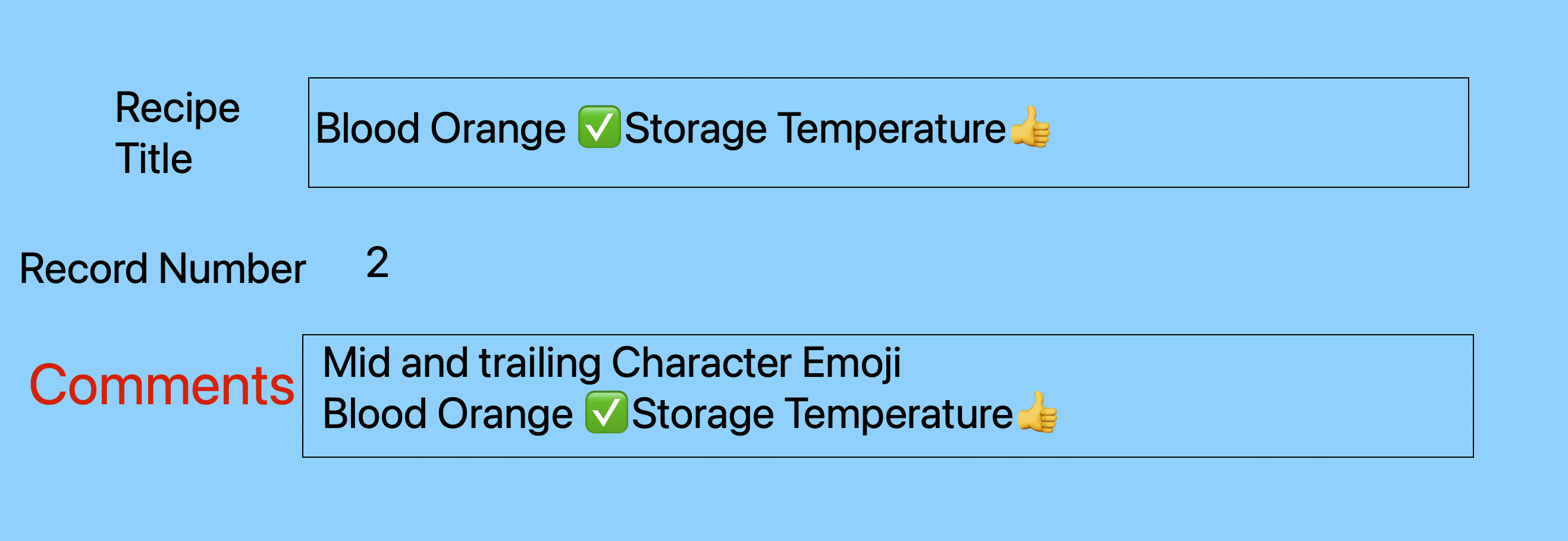
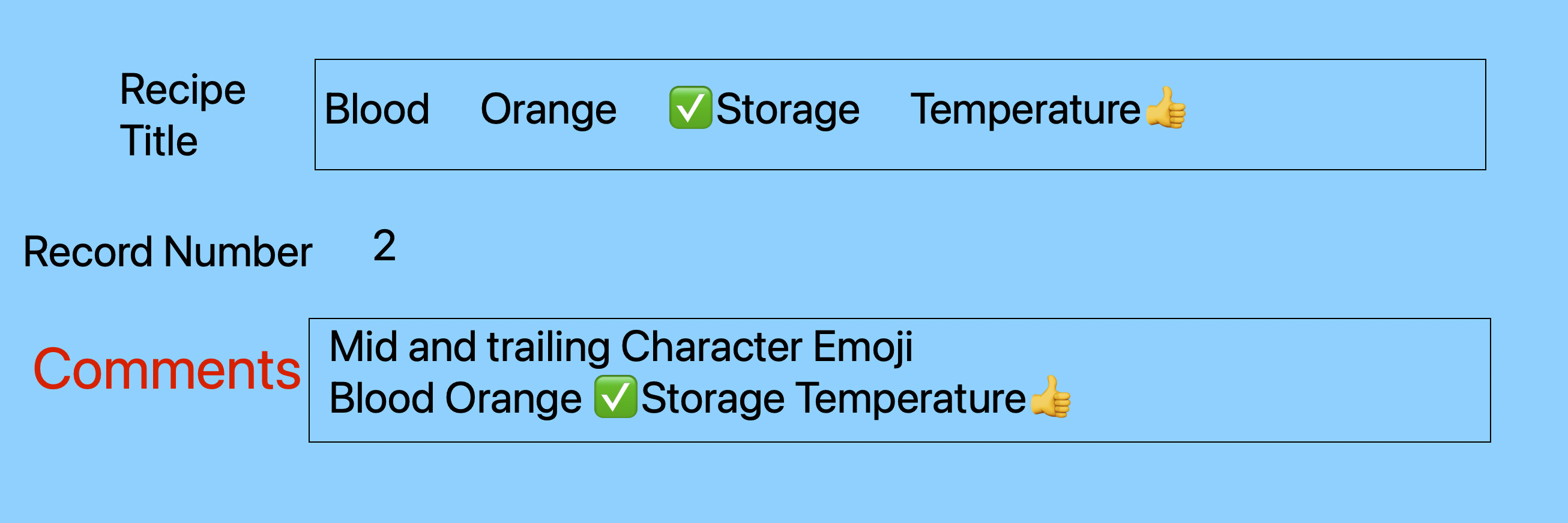
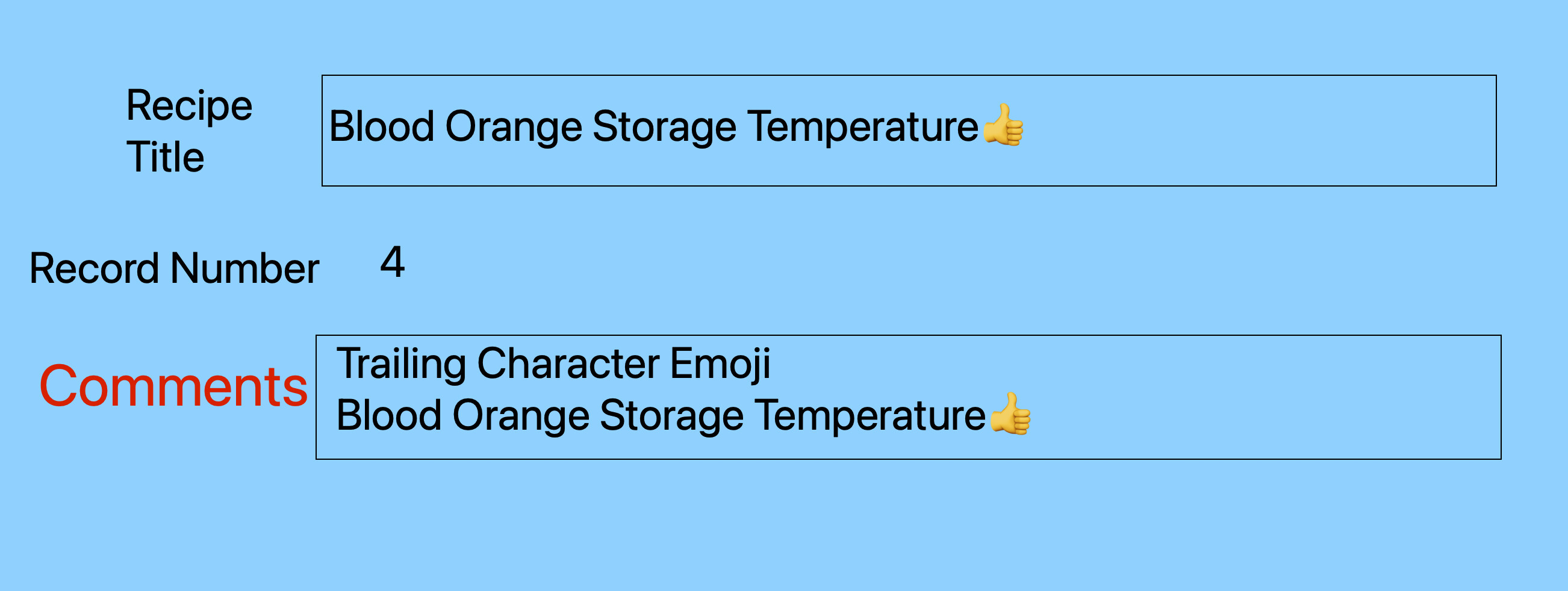
The formatting doesn’t change if the emoji, for examples, is on the end of the text string.
Here is an example of text:
Blood Orange Storage Temperature
Sometimes it spreads out in that field on a form.
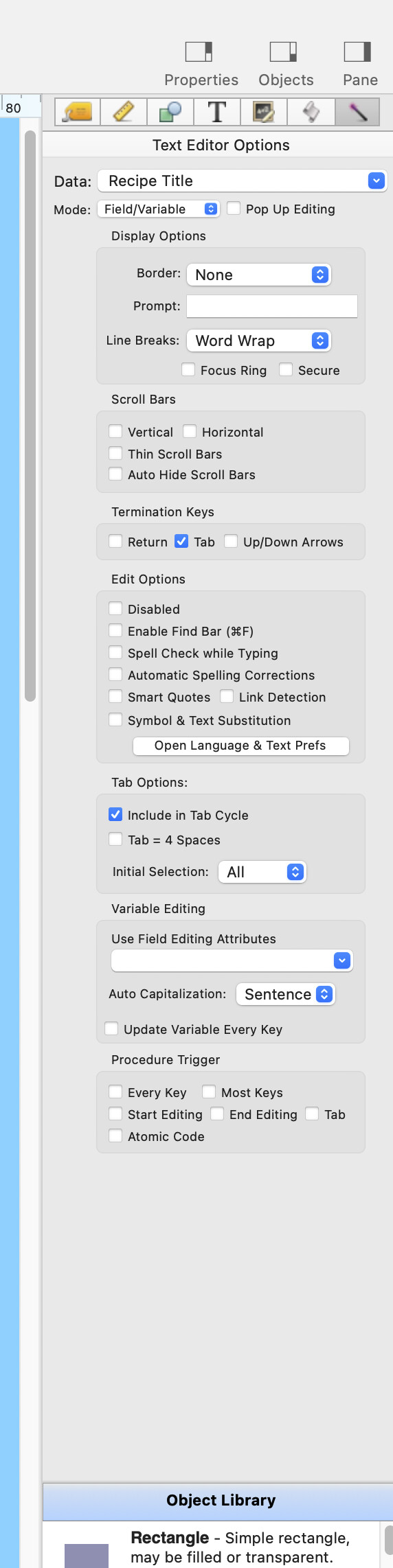
This phenomena is somewhat erratic, depending on whether the Focus Ring or Pop Up Editing is checked or not. or if nothing is checked with the Text Editor options.
I don’t know what exactly is going on but I can replicate it.
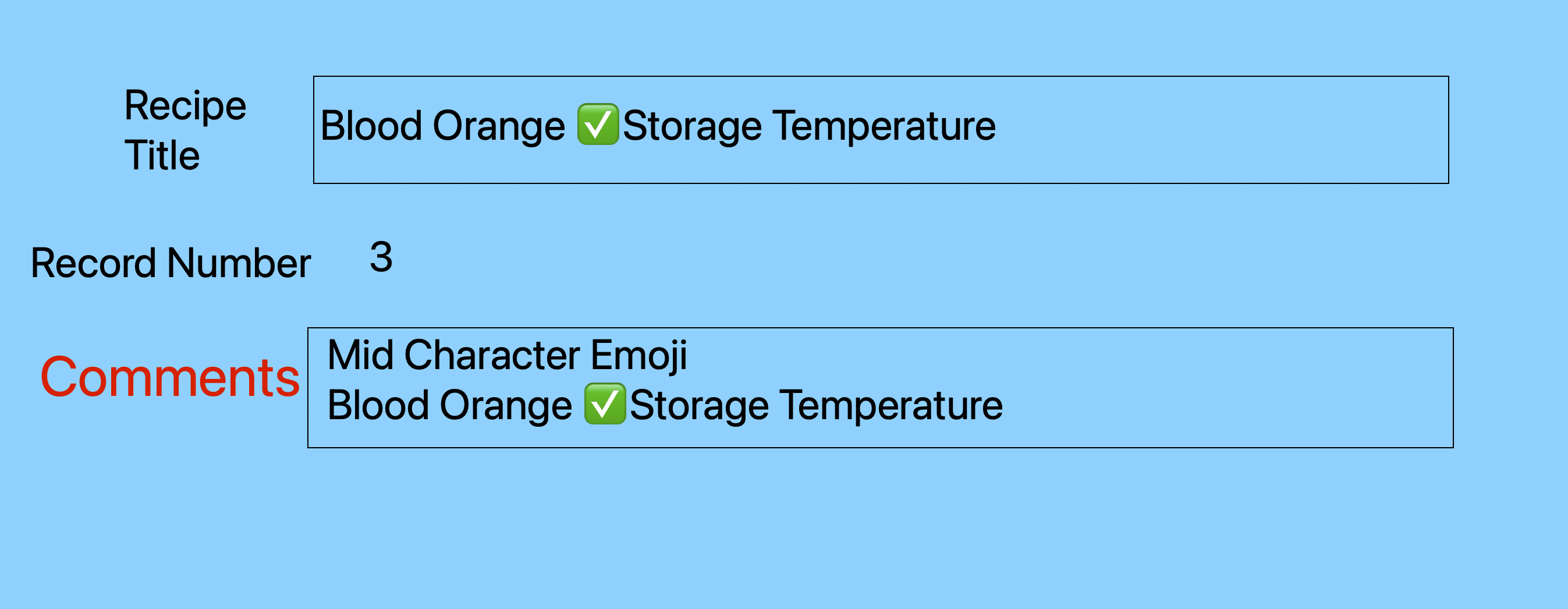
My guess is the first “character” of text sets the tone for the rest that follows. Or maybe what follows it - if the same thing happens when you put it in the middle of a text string. Your experiment didn’t cover that situation.
When you say “enter into a form”, that’s not quite precise enough. You could be entering it into a data cell, a text object, or a label. There’s something about a text object that allows rich text format so that you can change styles/colors inside the object.
If it’s just a title, you could separate the emojis from the text and group them. So, in your example, Blood Orange Storage Temperature, there would be three objects: the leading thumb up, the text, and the following emojis.
When you say, “enter it into a form”, is that when designing the form or is the user going to enter an emoji as some data element, like if you were entering Name, DOB, City/State, etc.?
On the form I have a Field call “Recipe Title”. The mode is “Field/Variable”
The phenomenon occurs with emoji the first and only character and if there is a mid and ending emoji.
If I paste into the form field it looks normal. If I go back in and click the field it balloons out. That triggers the next record that is mid and end emoji to balloon out too if I step down to that rerecord.
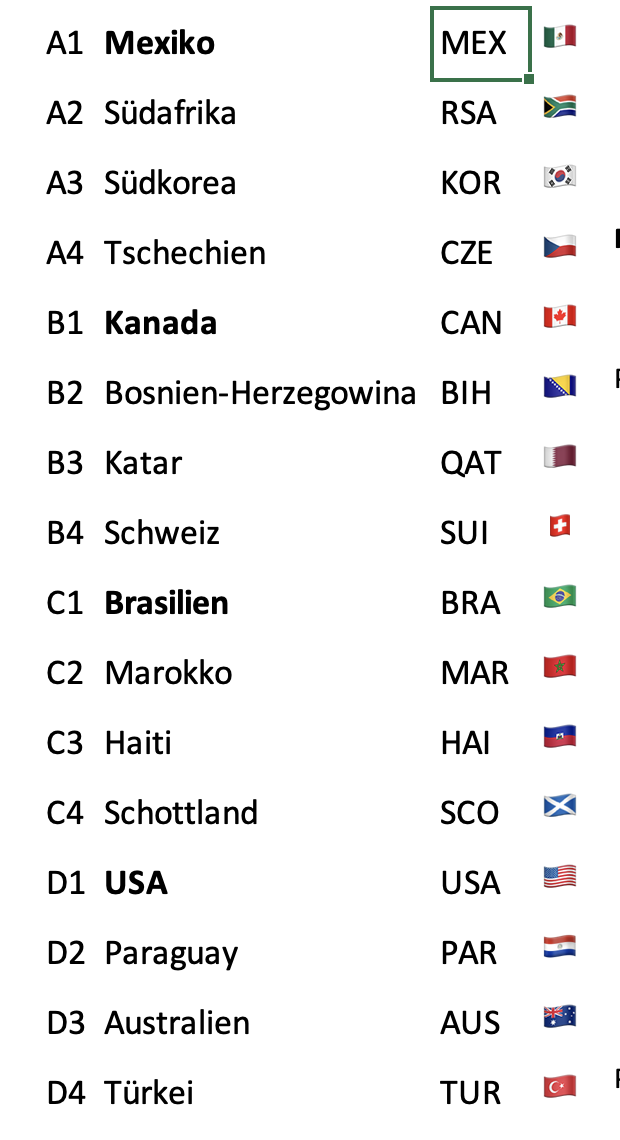
My experience with emojis in Mail, Excel, or Pages is that they don’t align well with other fonts of the same point size, because they have different heights or sublengths.
My screenshot shows the country codes in Calibri 14 and the flags in Apple Emoji 14. Both are formatted to align to the bottom, but you can see the differences.
In Pages, emojis will disrupt the line spacing in your paragraphs — unless you adjust the size of every single emoji to match your text.
In Panorama X I would recommend separating the emojis from your title and comment field and using them as a marker only in a separate text editor field dedicated solely to emojis.
Indeed, my purpose in using emojis is that say in a listing for some rating or level I want something colorful to pop out. In this case, a basically colored flag the denotes favorite recipes.
 Blood Orange Storage Temperature