In the screenshot below I have 12 records selected but I cannot access the first of them in the Datasheet. It’s simply not there. In the form, all 12 records show and I can access the first record.
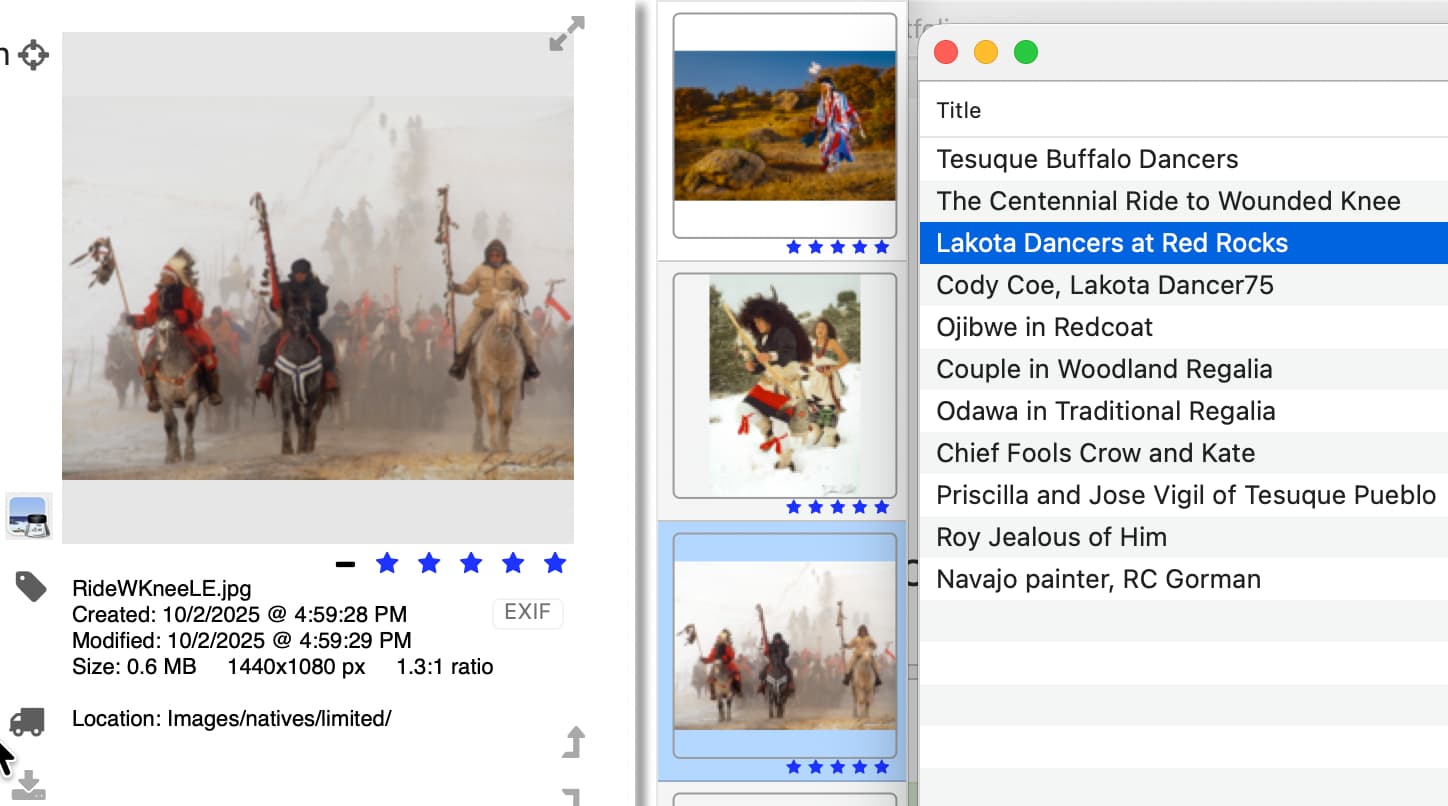
The Datasheet is always highlighting the record below the record that is displayed in the form.
If I edit the record in the form, it appears to overwrite the record that is active in the Datasheet. In fact, it only eliminates the record from the selection. Whew!
I’ve run into this scenario more than a few times, sometimes without noticing. Later, I’d realize I was editing the wrong record, or would be surprised to see the text I just entered suddenly become something from another record.
The file was a shared database in the past and at that time it really was altering the wrong record, turning it into a duplicate of the record being edited. A Contacts database was doing the same thing. I reported it in August but was unable to provide much background or evidence. I was able to determine by the record id that the change was in fact being applied. While maintaining their individual record numbers, both records ended up with the same content.
I assumed it was a sharing issue and have been running my files in single-user mode since, only to find it still occurs. It’s just not as damaging, or so it appears after today’s incident and recovery.