I have a form that displays the essential information for a record by showing the values for 120 fields.
I need to compare 2 records side by side to determine which record should be kept and which record should be discarded as they are 2 different versions of the an event and I want only 1 record for that event. (There are thousands of comparisons that need to be made.)
I could use CloneForm, create WindowGlobal variables for every Text Editor, Text Display, PopUp Menu Button, etc, then move to another record and theoretically view the facts of two records side by side.
Or create a screenshot of the form when on record 1, and open the graphic in another form, then moving to record 2 and view the two different records side by side. (Not quite sure yet how to accomplish the screenshot programmatically.)
Or open another copy of the database and view the 2 different records side by side. (Probably not very efficient with a large database.)
Or (I’m dreaming here) display the value of a record above or below using some sort of relative reference (you can laugh at this thought).
Looking for ideas as to how to best accomplish this need.
Except for the relative reference dreaming, all of your proposed solutions are workable. We can’t tell you which one is best.
Since you are proposing that you want to view 2 records side by side and not N records, I don’t think clone windows are necessary. You could have a button that copies all of the fields in the current field into variables, and then display the current record side-by-side with the saved variables side by side in a single form. If you did that, you could also have some sort of indication next to each field of whether it matched or not. That way you wouldn’t have to solely rely on a human to notice whether or not there was a difference. It would take quite a bit of grunt work to set up such a form, but it sounds like it would be worth it for such a large task.
In fact, if you did this you wouldn’t be limited to displaying the entire record side-by-side, you could have specific fields next to each other, possibly making it easier to see differences.
Either way, you would basically navigate to a specific record, then press a button to “freeze” that record. Then you could navigate to any other record and compare it with the frozen record. Repeat and rinse.
I used CloneForm which gave me an editable duplicate form. Then on each Text Editor Object I changed Data from field name to WfFieldName, then in a procedure SetWindowGlobal for each field with the final ShowVariables. Moving to another record did not alter the values of course as they were ‘stuck’ variables.
But I very much like your thoughts of capturing the current field values as Globals, then moving to another record and having a single modifiable form do the comparison with highlights. Much, much better to let Panorama do the comparisons rather than rely on the human. Love it. Thanks for the idea.
BTW, I was imagining using the Lookup function after having sequenced the records so that I could look at the previous or next records fields value so I think it was doable, just not very efficient.
I used CloneForm which gave me an editable duplicate form.
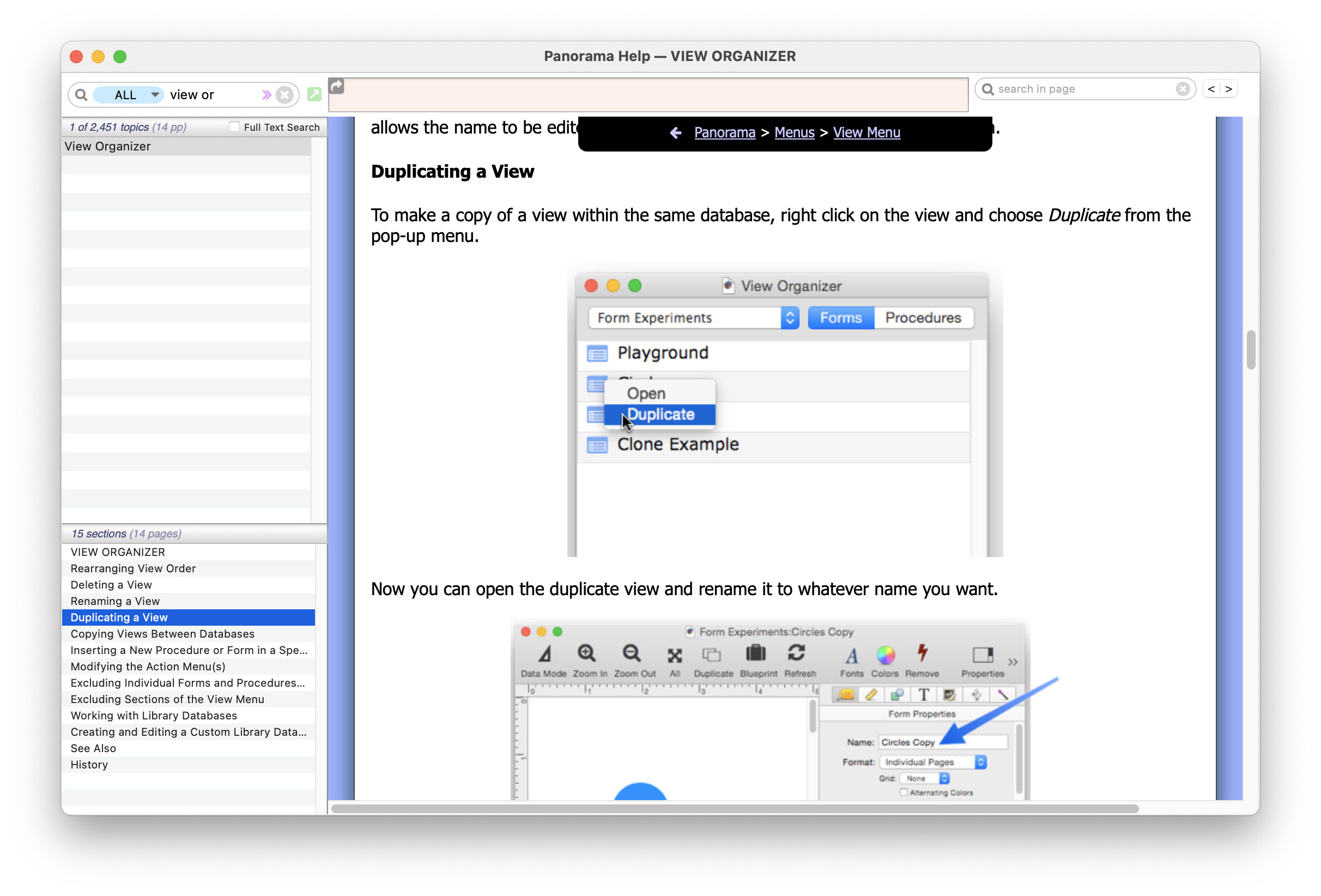
FYI for your purposes using CloneForm was doing it the hard way, you could have simply copied and pasted the items, or used the View Organizer’s duplicate command.
CloneForm is designed for when you want to dynamically copy a form as part of the routine operation of your database. It’s the underlying engine used for Tab Panels.
capturing the current field values as Globals
I’d strongly recommend using fileglobals or windowglobals, not globals.
do the comparison with highlights
Since you liked that, here’s another free idea I didn’t bother to mention before. You could display a Font Awesome icon next to any field that doesn’t match, and click on the icon to see what the non-matching value is.