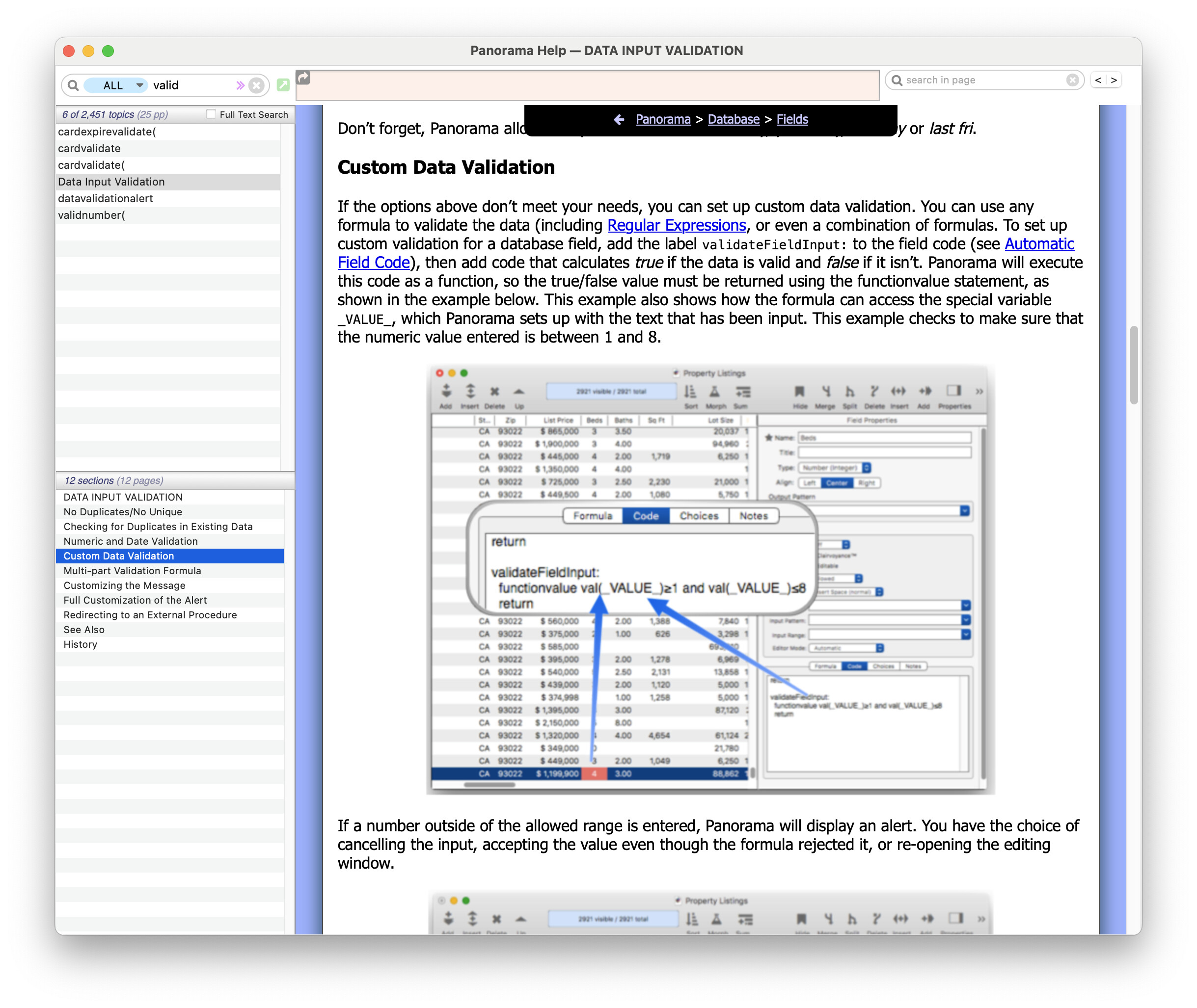
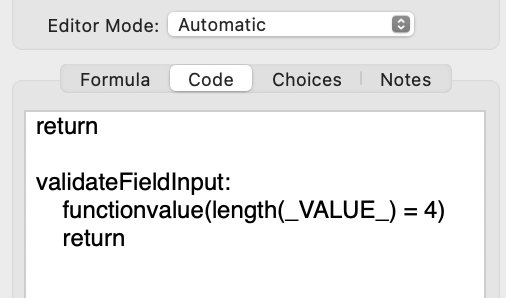
One heavy handed way to do this would be to install some code in the Code tab of the Properties panel for your field. Say your field name is “MyField” you could enter code like this:
If length(Category)<>4
field MyField
Message “MyField entry must be a 4 character string!”
wait 0
editcell
endif
This will check the length of the entry in MyField and give an error message if the length is not 4 characters long and then reactivate the field for further data entry.
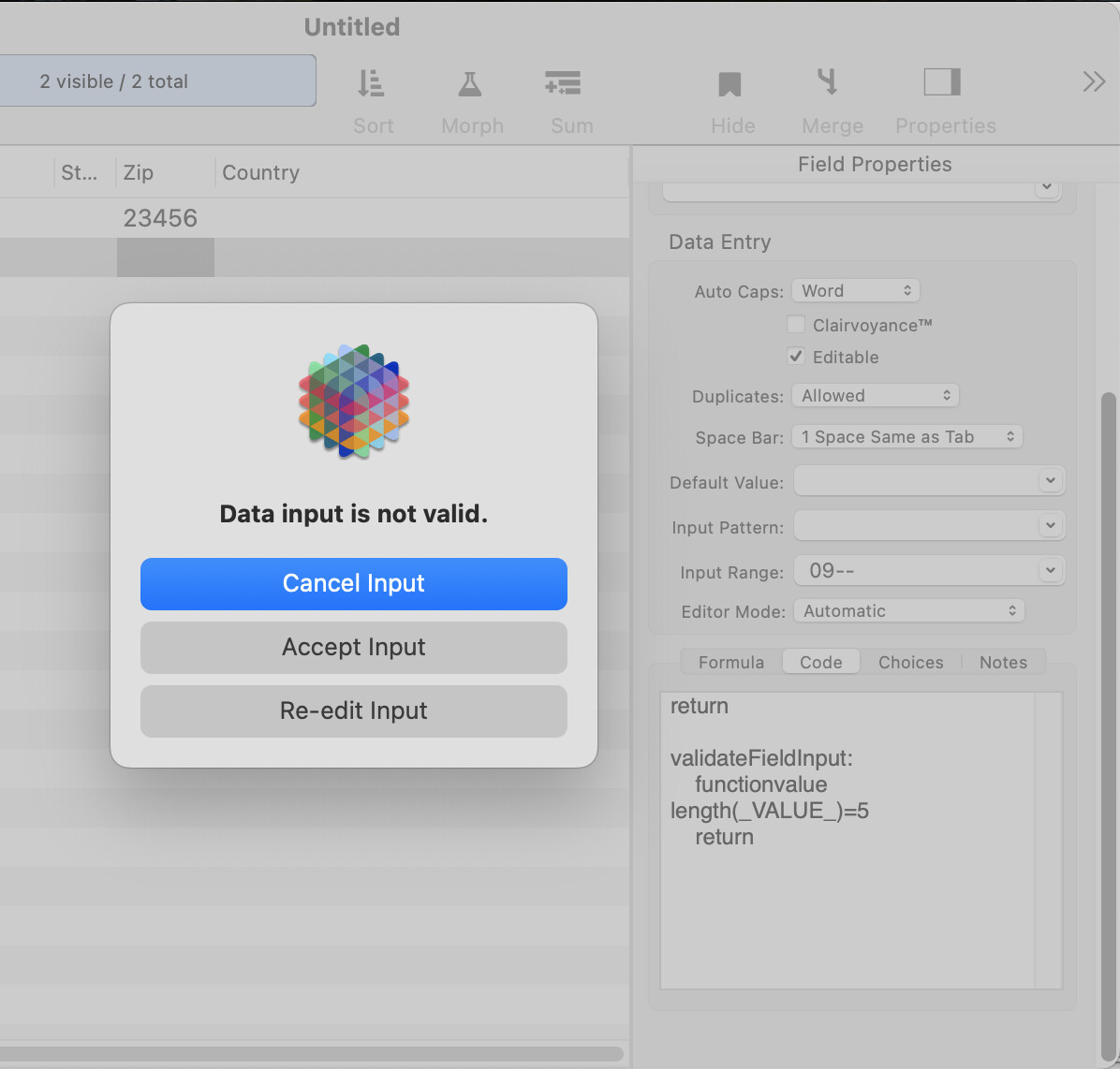
Not sure why, but nothing is happening. The field QTY is a text field, and when I use this code in the Formula box, there are no warnings (the Editor Mode is set to Automatic)…
I can’t get the validateFieldInput method to work either. I tried several variations and never got any alert messages at all. The only way I got it to beep and not close the edit box is if I replaced the underline characters with ellipsis characters. Seems strange to me.
I ended up just going with a version of my original code. Note in my case I need 12 digits entered into the field.
if length(_VALUE_)<>12
alertok “Field must contain 12 digits!”
endif
return
Note: Panorama X version 10.2.2 (4595) - Mac OS Tahoe 26.3.1