I have a database with a Date field. There are many records with the same date. I want to populate a text list using a formula of the unique dates, formatted as “YYYY-Mon”. I cannot get this to sort properly. Here is what I am using now:
because datepattern is turning the dates into text values.
Of course you have to turn the dates into text values, because arraydeduplicate( can only sort text values. That function doesn’t know anything about dates.
@epansoft 's solution works by first building an array where each element looks something like this (the ¬ character is really an invisible tab character):
2461073¬YYYY-Feb
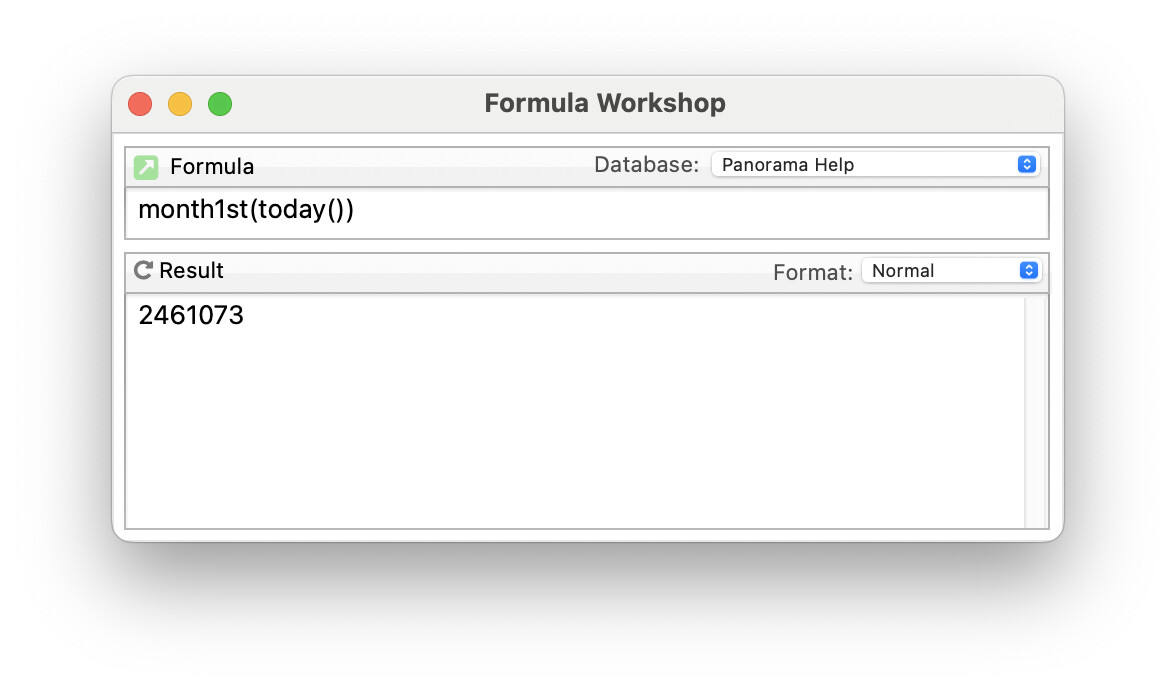
The first part of this, before the tab, is the first day of the month in days since ~4000 BC. In this case 2461073 corresponds to Feb 1, 2026. You can try this yourself using the Formula Workshop.
For modern dates, this value will always have 7 digits, so an alphabetic sort will actually sort the items in date order.
Once the array is sorted and deduplicated, the arrayfilter( function removes the 7 digit number that you don’t want, leaving your desired YYYY-Mon format, but sorted in date order.
I ignore how this approach compares in speed to the previous suggestions.
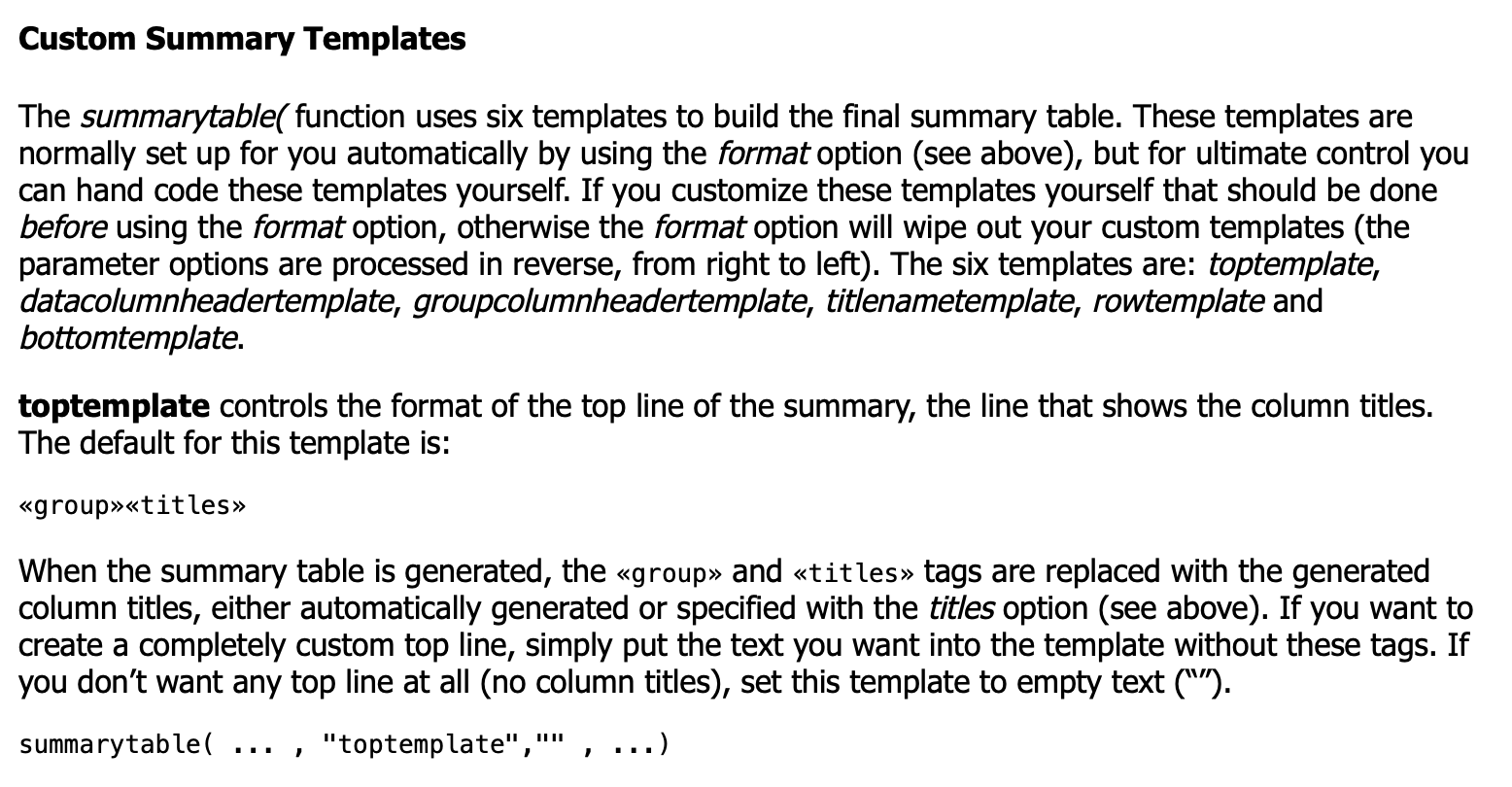
@admin, Is there an option in summarytable() to omit the Titles line directly, similar to how the nototals option removes the Totals line? I often use summarytable() and end up removing the Titles line manually because I don’t need it.
arrayfilter(arraydeduplicate(arraybuild(cr(),“Volume”,{month1st(Date)+¬+datepattern(Date,“YYYY-Mon”)}),cr()),cr(),{array(import(),2,¬)}) takes about 95 ticks, but
arrayfilter(arraydeduplicate(arraybuild(cr(),“Volume”,{month1st(Date)}),cr()),cr(),{datepattern(import(),“YYYY-Mon”)}) takes only 4 ticks!
arrayreverse(summarytable(“groups”,{groupdatepattern(Date, “YYYY-Mon”)},“format”,“plain nototals”),¶) also takes about 95 ticks.