Thank you so much for your patience and help. All seems right in the world … at least the Panorama sphere.
Bill
It was the part in the #send the email section they were concerned about.
The login information that Jim Cook edited to read ZZZZZ and XXXXX, originally contained text you don’t want to be posting where everyone on the web has access. It’s edited now, and the edit history has been hidden, but some users received the original by email, which we can’t get back, and we don’t know who may have viewed it before it was redacted.
Once agin thanks for all your help getting me this far. Now just a little annoyance, Mailbox won’t quit. My databases do but not Mailbox. I’d hate to have to force quit everrytime I use Mailbox.
Sonoma 14.3.1
Panoram 10.2.b37
Mailbox 3.5
Thanks Bill
There’s no reason that I can imagine that Mailbox would prevent Panorama from quitting. I use it routinely and have not had any such issue. No one else has reported it either.
I was wondering if something else was needed like .php, perl or ruby to be installed? I’ve been using your Mailbox app since you first made it available. It has always worked flawlessly. So I’m assuming that I have missed a step.
Thanks for your program and your help,
Bill
The next time Panorama won’t quit, take a look at the drag bar on your various open windows and see if any have (Edited) to the right of the form name. If so, Save and try quitting again. I run into that scenario on occasion.
I’ll pay attention to that.
Thank you, Bill
James is there any reason Mailbox stopped working about a month ago? I’ve been out of the country for the last 6 weeks and I’m told emailing stopped working in mid April. I haven’t actually arrived back home to look at the problem yet, so it could be anything.
Thanks Bill
If nothing else has changed, then no, there’s no reason for the Mailbox to stop working.
An OS upgrade could cause disruption if Python is removed or updated. Or if there was a change in your email service, that could cause issues.
Otherwise nothing comes to mind to make it stop working.
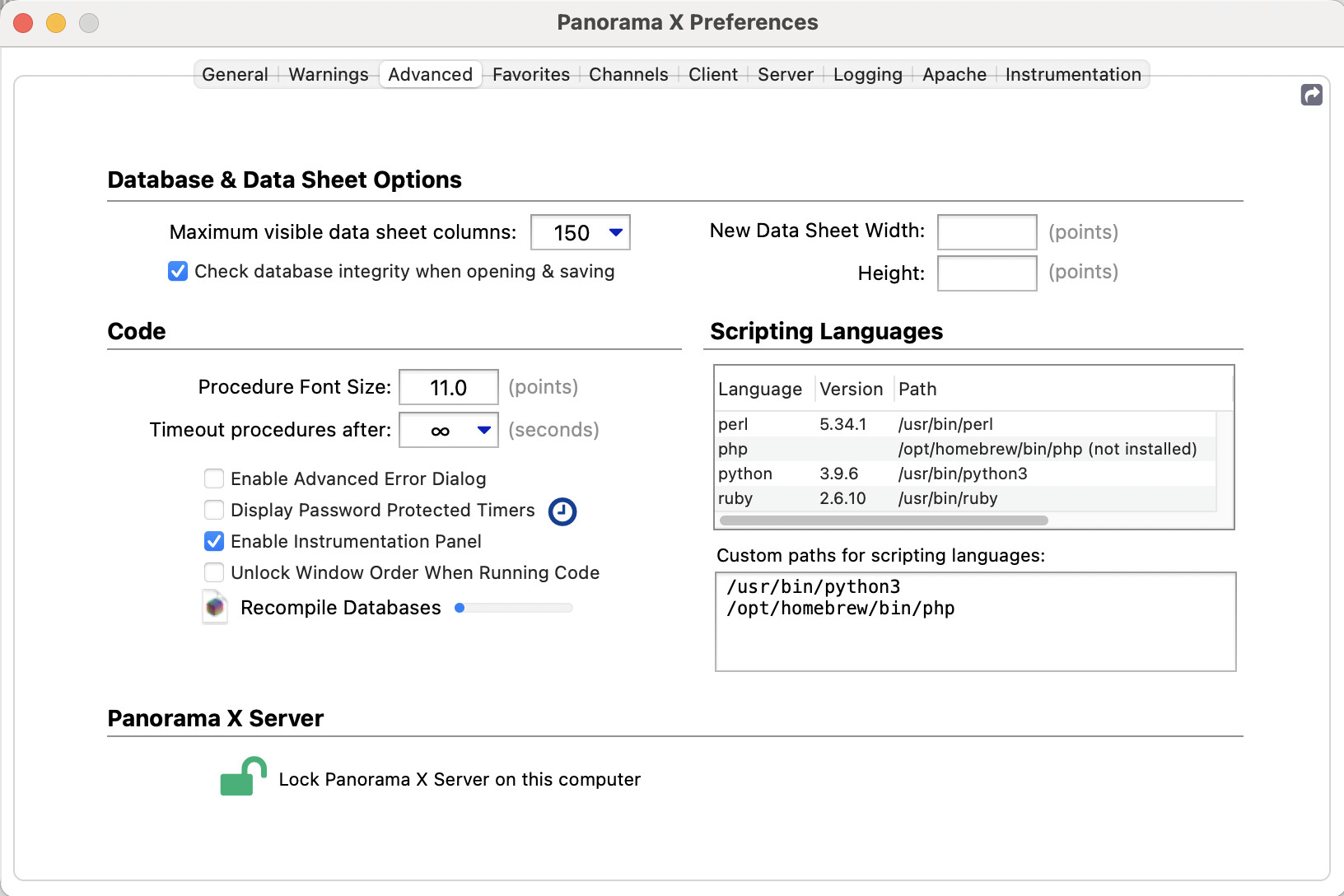
I think this is the cause of the problem. I am sure I had it configured correctly before, but when I looked today at Panorama X Settings > Advanced, I found the Python entry empty. I had to re-add the custom path to my installed Python 3 version.
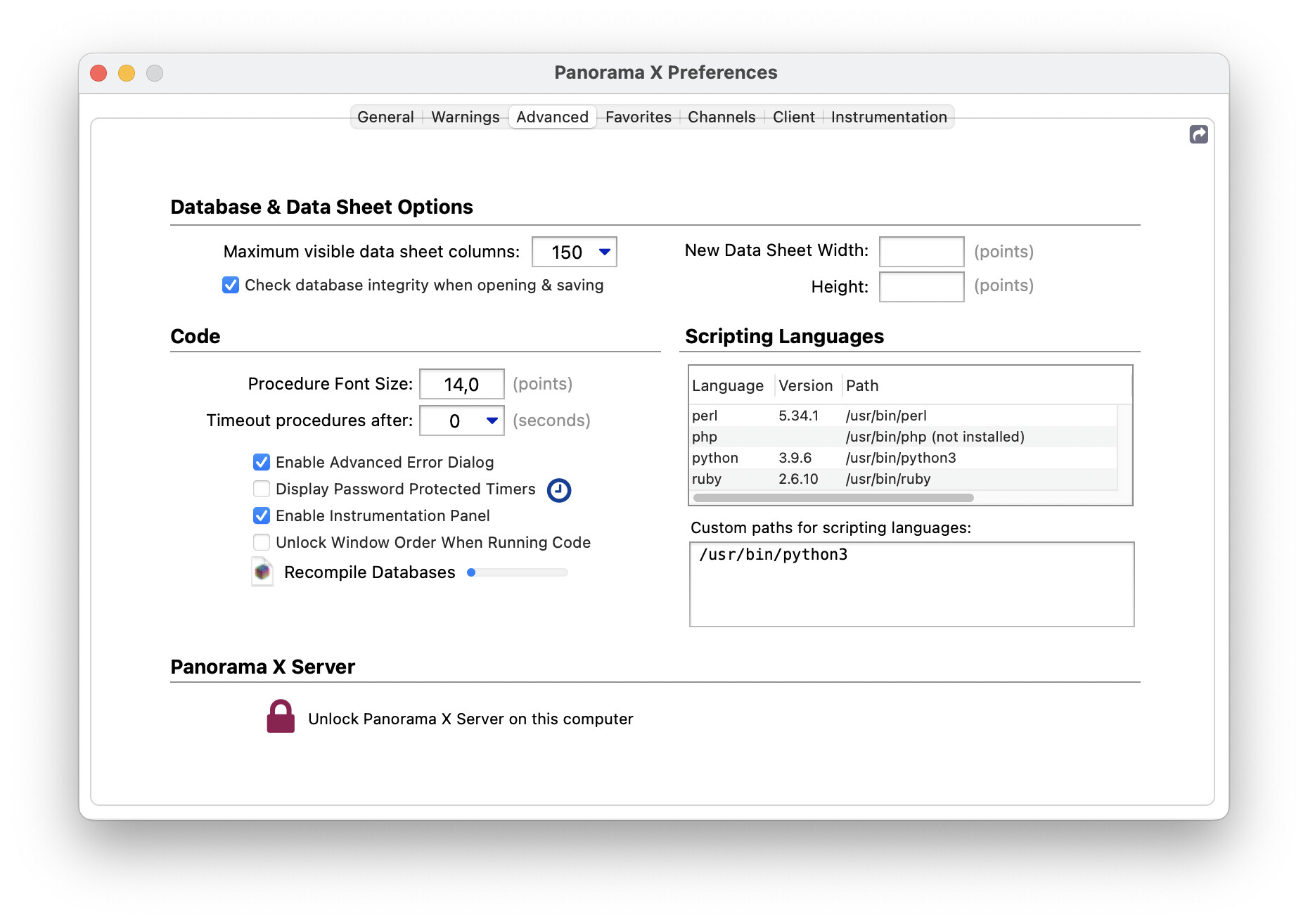
I’ve checked my mail settings to make sure the username and password are still working, and they are. Python is still in my advanced settings.
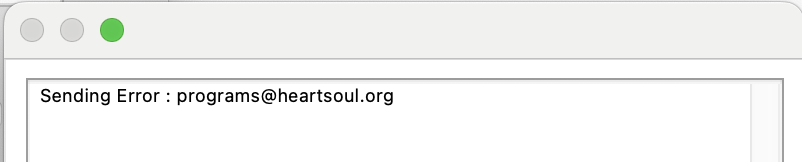
I only have Mailbox opened not my databases and I continue to get:
What would be my best coarse of action?
Thank you, Bill
Mac Os 15.4.1
Panorama 10.2.2b1
Based on the error, and your claim that user name and password are correct, my best guess is that there’s an issue within the message itself. Are there broken or malformed links, a missing image, problematic punctuation such as smart quotes…?
Do past messages that worked continue to work?
Does it work if you click the Test Settings button?
I’m just doing the Mailbox test. My databases aren’t even opened.
Thanks
To be sure then, the issue you’re experiencing is that clicking on the Test button returns the Sending Error.
That means the script is running and transmitting the test but that it’s being rejected by your email service. That can be due to an error in the settings, or a wrong password, or by the service not accepting it due to some other issue.
If you’re not there to personally check it, can you be sure the password or something has not been inadvertently changed.
GMail has recently implemented stricter security standards for email sent through their service. Possiby your email service has made changes too.
It seems that Google/gmail now(since 4-10-2025) require OAuth 2.0 protocols. I don’t know what that means really. I’ll investigate a little to see if I can make it work but at this point it might be easier to use a different email server.
Thanks Bill
Nothing you’ve shown or written suggests that you’re using GMail, but OAuth is not necessary to send email via Mailbox and Gmail.
What is necessary is to make use of Google’s 3rd party app password as the password entered into Mailbox. I’ve done it successfully on two separate GMail accounts. I 'm not going to attempt to explain the process of generating one though. It is all documented by Google though.
On a related topic, Python Mailbox sends emails for me, but these emails do not show up in my “sent” mailbox on my email client (Apple Mail). Is this normal?
FYI, I am using version 3.5 of Python Mailbox. Also, I have used “Test Settings” to successfully send a test email. In addition, I have sent test emails to myself, and fgResults does not indicate any errors.
Yes, I think this is normal. You are sending emails directly to your email server, Apple Mail is not involved, so it doesn’t know anything about it.
1 Like
Jim is correct ( no surpise there )
Python Mailbox is essentially another email client, highly specialized and not as diverse. Mail is not aware of what the Python Mailbox is sending.
If you have direct access to your email server, you’re probably able to see the sent emails there.
1 Like
Sounds good, I won’t worry about it then.
Thank you for sharing Python Mailbox!